
Software
Microsoft Teams isn’t just for businesses—it’s a game-changer for educators. Discover how this powerful tool transforms classroom communication, simplifies lesson planning, and keeps students engaged, all while saving teachers hours of prep time.
Seamless classroom communication hub

Drowning in email chains where important messages get buried under "RE:" and "FW:"? Microsoft Teams’ classroom channels replace chaotic inboxes with organized, searchable conversations where every announcement, assignment, and question stays visible—no more digging through 500 unread emails.
Create dedicated channels for each class, complete with pinned announcements (like syllabi or deadlines) that students see first. The @mention feature ensures no student misses a direct message—whether it’s a clarification on homework or a reminder about an upcoming quiz. With read receipts, you’ll know when students have seen your messages, and file attachments let you share worksheets or rubrics directly in chats. Best of all, hybrid learners can jump into discussions whether they’re in the classroom or logging in from home.
This is your digital command center for communication—ideal for special education teachers coordinating IEP meetings or high school educators managing multiple classes. Say goodbye to the digital clutter. ⚡
One-stop lesson planning resource
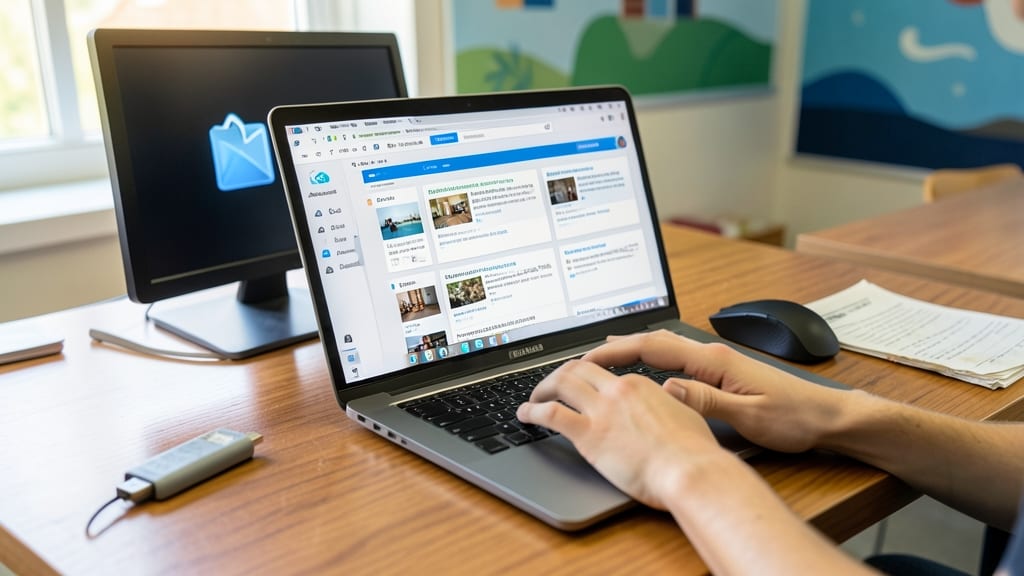
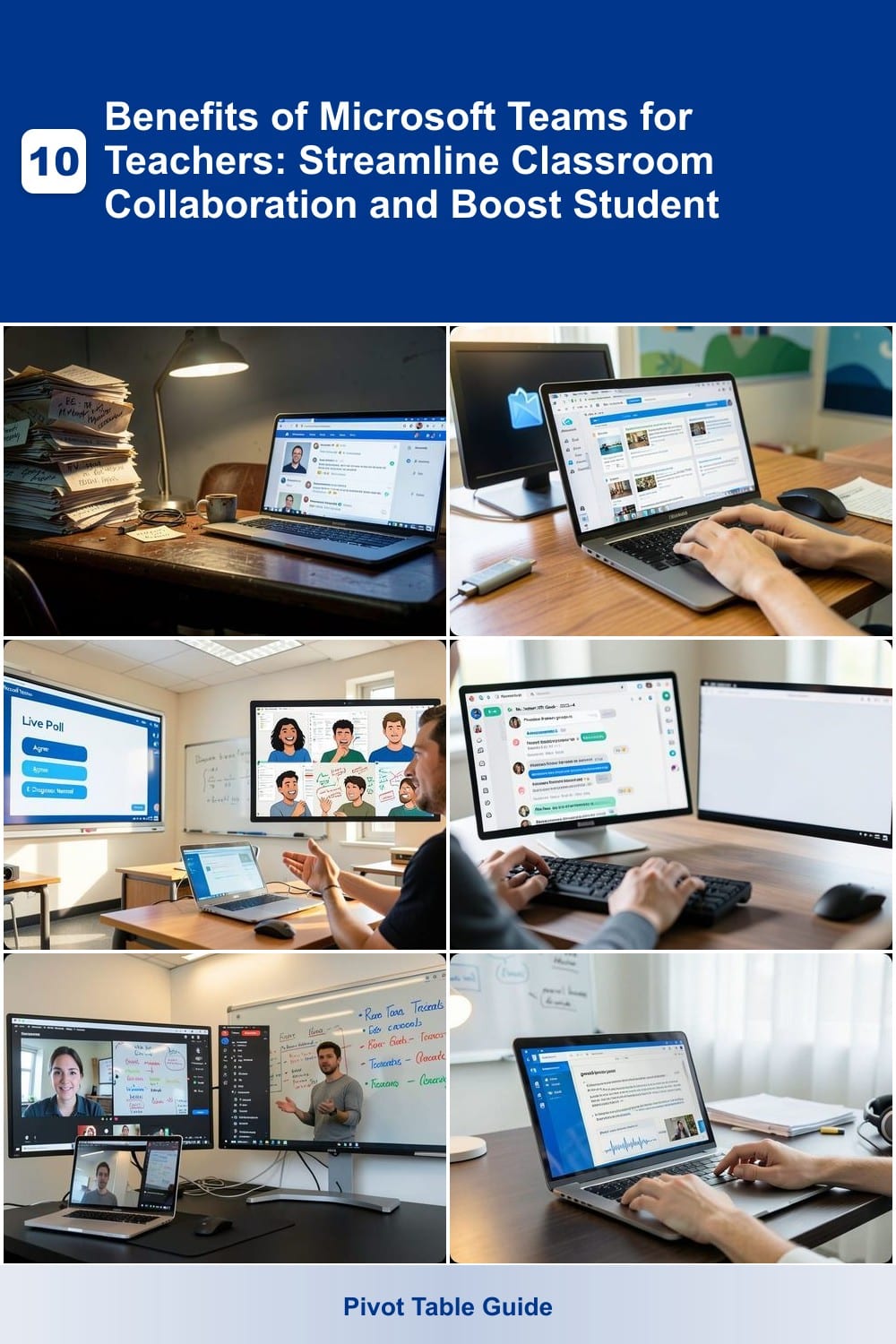
Say goodbye to the frustration of hunting through USB drives and half-empty Google Drive folders—Microsoft Teams’ Files tab acts as your digital filing cabinet, keeping every lesson plan, rubric, and student assignment in one searchable location. No more losing track of that perfect worksheet from last year or scrambling to email files to colleagues.
Create dedicated folders for each class, complete with version history (so you never accidentally overwrite a finalized lesson) and shared access controls to ensure only authorized teachers can edit. The OneDrive integration lets you drag and drop files directly from your desktop, while the Assignments tab tracks submissions and deadlines—all without leaving the platform. Rubrics and grading sheets stay organized in templates you can reuse year after year.
This is a lifesaver for middle school teachers managing three grade levels or high school educators coordinating department-wide curriculum. Your lesson plans stay where you need them—no more digital clutter. 💪
Real-time student engagement tools
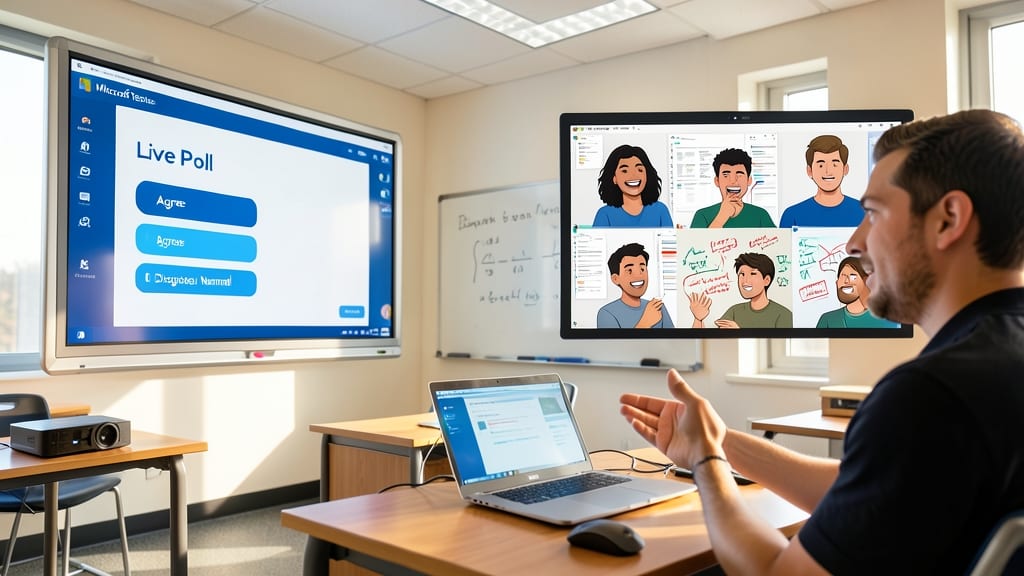
Turn silent lectures into lively discussions with Microsoft Teams’ built-in engagement tools. The Live Polls feature lets you gauge understanding instantly—whether it’s a quick true/false check or a debate starter—while breakout rooms split large classes into smaller groups for focused collaboration. These tools are perfect for AP classes or lecture halls where participation often fades mid-lesson.
With real-time quiz results displayed on-screen, you can adjust pacing or dive deeper into tricky topics. Breakout rooms support up to 50 participants and include timers to keep discussions on track. The @mentions feature ensures students stay engaged even when working in groups, while reaction emojis add a fun, low-stakes way to check comprehension. ⚡
This is especially valuable for subjects requiring discussion, like history or science, where passive listening doesn’t guarantee retention. Even shy students often participate more in smaller, structured groups—making Teams a game-changer for interactive learning. 💡
Simplified parent-teacher communication

Tired of playing phone tag with parents who miss your emails or voicemails? Microsoft Teams’ dedicated parent groups solve this with a single, centralized hub where guardians receive real-time updates—no more chasing down responses or repeating announcements.
Create private class or grade-level channels to share homework reminders, event invitations, and student progress updates—all with read receipts to confirm delivery. The @mention feature ensures urgent messages cut through notifications, while file-sharing lets you post permission slips or volunteer sign-ups directly in the group. Best of all, parents can join via mobile app or web browser without needing a school account.
This is a lifesaver for elementary teachers juggling PTA communications or high school educators coordinating with college-bound students and their families. Say goodbye to the back-and-forth—one post, everyone informed. ✨
Built-in classroom recording features
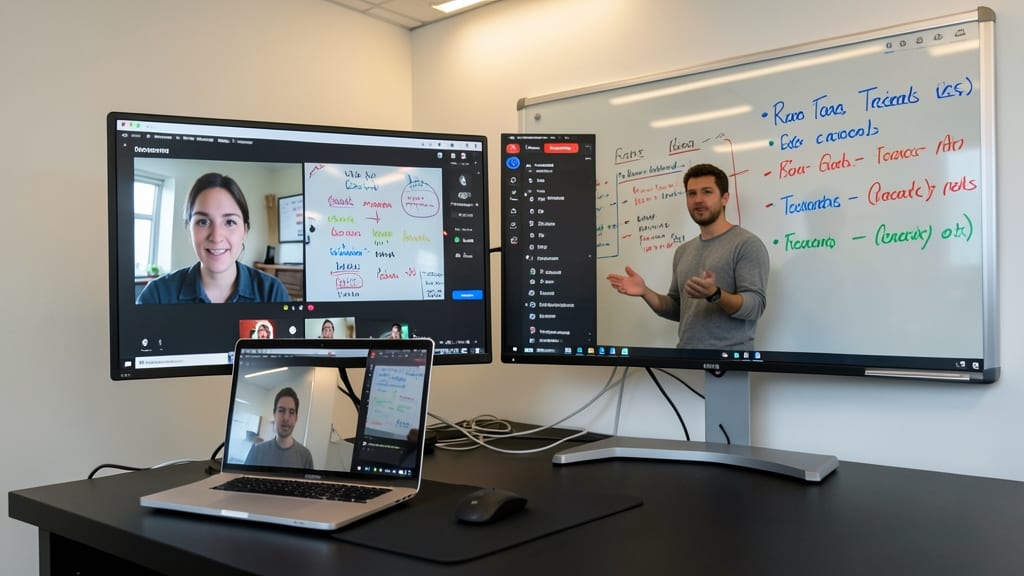
Ever wished you could replay a perfect lesson for absent students—or let students rewatch tricky concepts at home? Microsoft Teams’ built-in recording tools turn every meeting into a reusable lesson, with just one click.
Start a meeting, hit record, and Teams captures both video and audio (with optional screen sharing) in MP4 format—no extra software needed. Recordings auto-save to the class’s Files tab, where you can organize them by topic or date. Students access them anytime, making it perfect for flipped classrooms or snow days. Pro tip: Use the whiteboard feature during recordings to highlight key points visually.
This is a game-changer for science labs, math tutorials, or complex discussions where students need to see concepts demonstrated multiple times. No more frantically emailing notes—just hit play. ✨
Collaborative assignment feedback system

Grading papers is time-consuming, but Microsoft Teams transforms feedback into a personalized, efficient process. With the Assignments tab, you can leave detailed comments, record voice notes, or even add video explanations—perfect for students who learn best through auditory or visual cues.
The system tracks revisions and progress, so students see their growth over time. Teachers save hours by eliminating handwritten notes and paper shuffling, while students with dyslexia or ADHD benefit from flexible feedback formats that match their learning styles. Plus, the integration with Office 365 ensures comments appear directly on Word or PDF files.
This feature is a game-changer for special education teachers and those grading large classes. ⚡
Integration with Office 365 suite
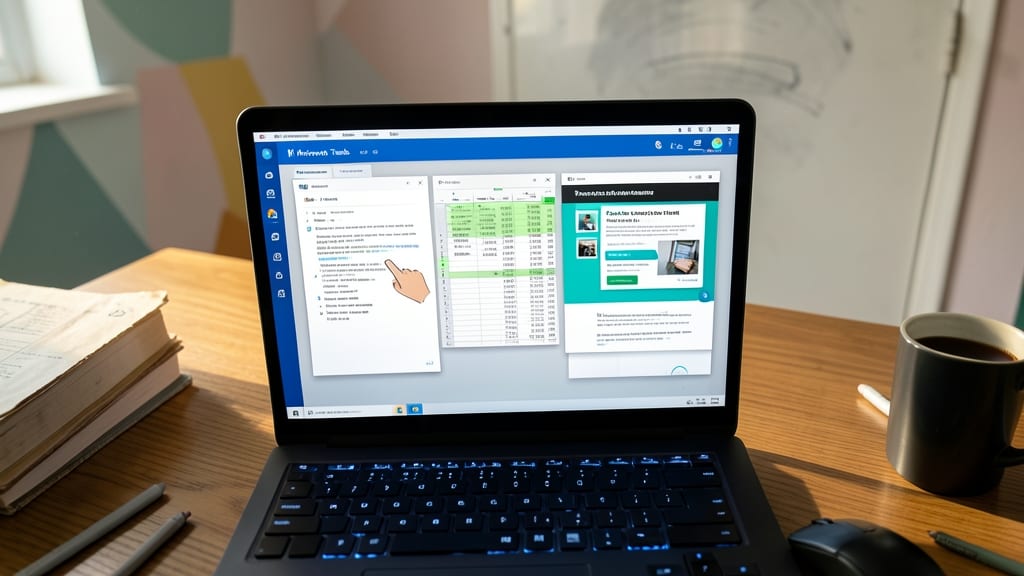
Tired of juggling separate tabs for lesson plans, spreadsheets, and presentations? Microsoft Teams’ deep Office 365 integration lets you co-edit Word documents, grade Excel spreadsheets, and design PowerPoint slides—all while chatting with colleagues in real time.
The magic happens with real-time collaboration: multiple teachers can review and update lesson plans simultaneously, while students submit assignments directly into shared OneDrive folders. Need to insert a graph into your lecture notes? Drag it from Excel straight into PowerPoint without copying files. The @mentions feature ensures no one misses updates when you’re working on group projects.
This is a game-changer for department heads coordinating curriculum or substitute teachers needing quick access to materials. No more version control headaches—just seamless workflows that keep your classroom running smoothly. ✨
Secure student data management
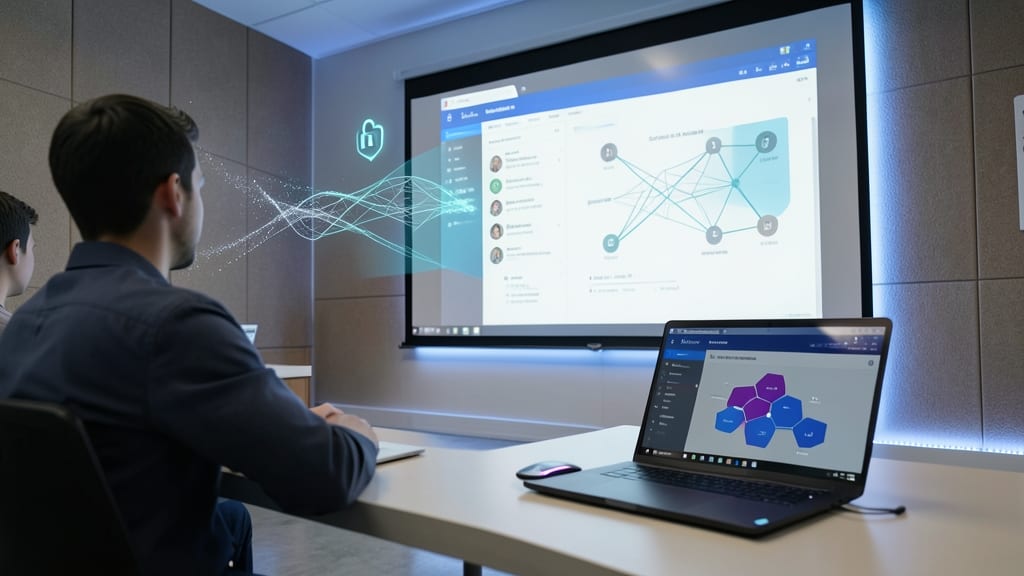
Worried about student data privacy in the digital classroom? Microsoft Teams addresses this head-on with Federated Learning tools that keep sensitive information localized and encrypted. Schools can enforce granular permissions, ensuring only authorized personnel access student records while maintaining compliance with FERPA regulations.
The platform’s school account controls let administrators set age-appropriate access levels, restrict data sharing, and audit activity logs—all without sacrificing functionality. Plus, end-to-end encryption for meetings and files means student work stays secure, whether shared with peers or submitted for grading.
This is a game-changer for districts prioritizing digital safety while embracing modern tools. 💻
Customizable classroom tabs for organization
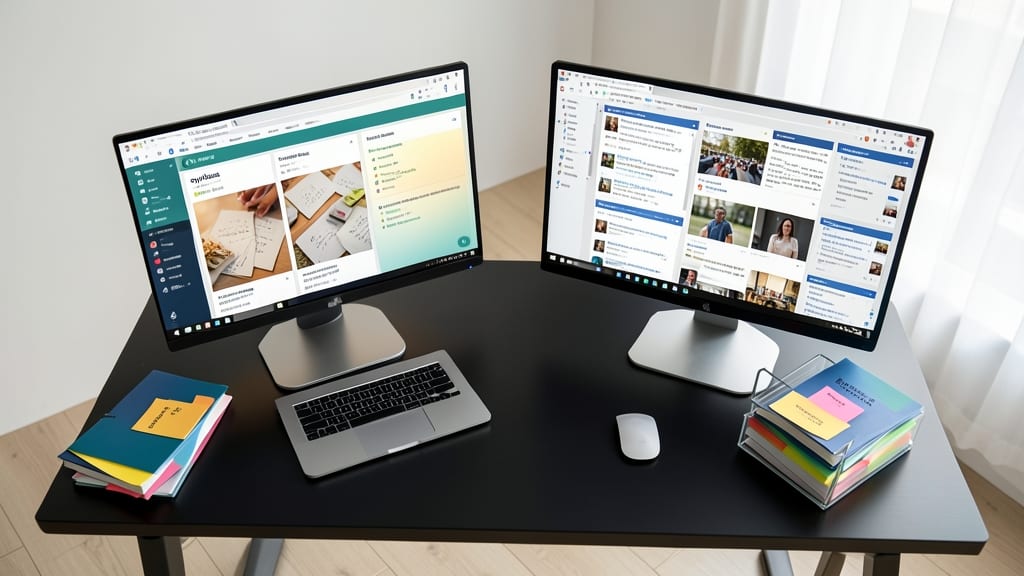
Tired of juggling tabs across multiple browser windows just to keep track of lesson plans, student portfolios, and external resources? Microsoft Teams’ customizable tabs solve this by letting you create dedicated spaces for everything—all in one place.
You can pin tabs for syllabi, student work samples, or even external links (like Khan Academy or Google Earth) right inside your classroom channel. Need to switch between grading assignments and reviewing a student’s portfolio? Just click the tab—no more alt-tabbing or digging through folders. The app even lets you rearrange tabs by dragging and dropping, so your most-used tools stay front and center.
This feature is a lifesaver for special education teachers managing IEPs alongside lesson plans or art teachers tracking student projects. It’s the digital equivalent of a well-organized desk—everything visible, accessible, and just a click away. ✨
Free and easy-to-learn for all

Overwhelmed by tech? Microsoft Teams removes the barrier with a zero-config setup—no IT degree required. Many educators start teaching with Teams within one hour of first login, thanks to intuitive menus and guided tutorials baked into the platform.
The education-specific templates (like class schedules and assignment trackers) cut setup time by 70%. Microsoft’s dedicated educator support—including webinars, video guides, and 24/7 chat assistance—means help is always a click away. Even tech-averse teachers report feeling confident after basic training.
Perfect for substitute teachers, new hires, or districts transitioning from paper-based systems. No more waiting for IT—just focus on teaching. ✨