
Software
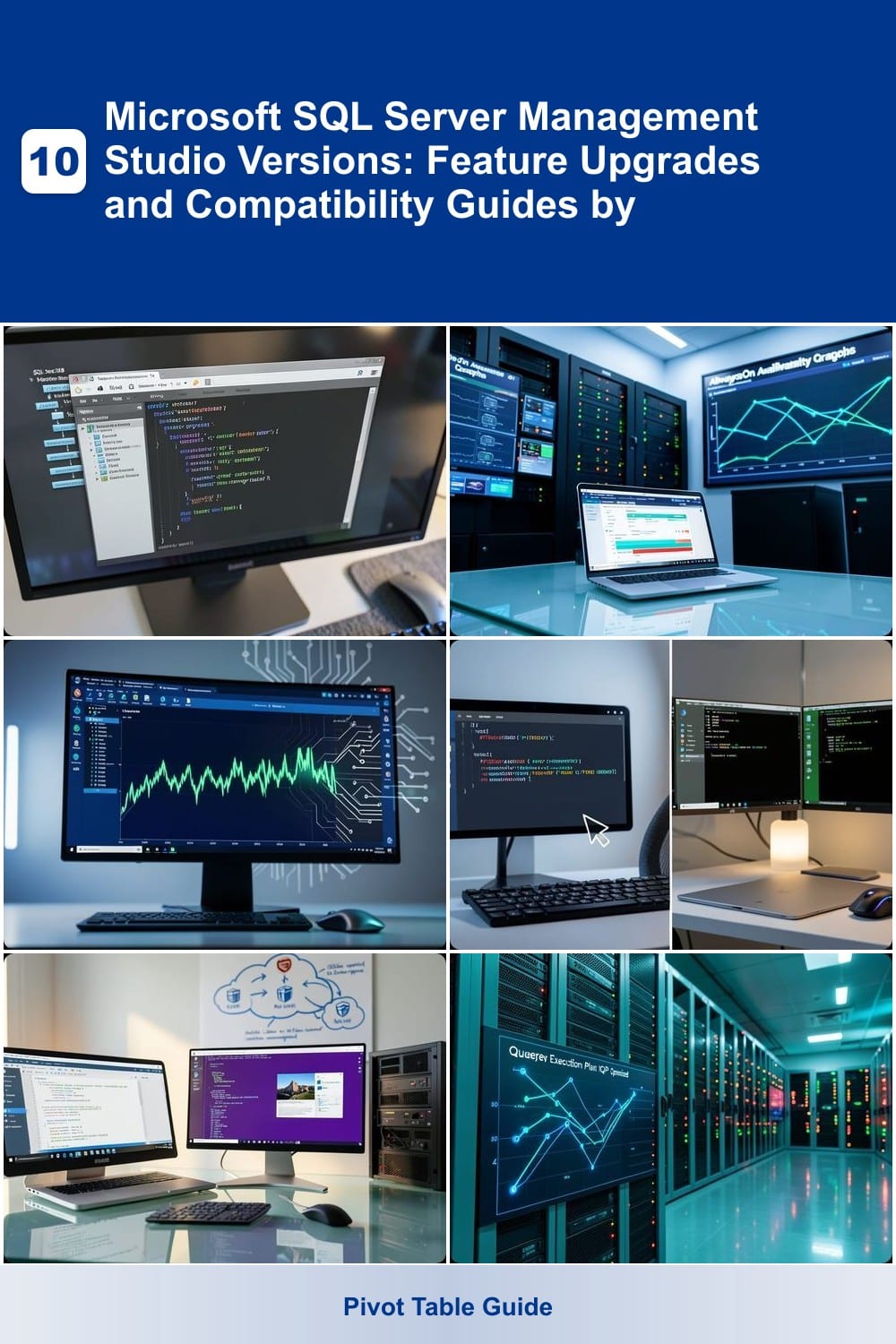
Microsoft SQL Server Management Studio (SSMS) is the go-to tool for database administrators and developers managing SQL Server instances. Each version introduces new features, performance improvements, and compatibility changes. This guide covers the 10 key SSMS versions by release year, highlighting their upgrades and compatibility requirements.
SQL Server 2008 Management Studio Version

If you're upgrading from SQL Server 2005 or earlier, SQL Server 2008 Management Studio was a game-changer—packing the first true standalone SSMS release with a redesigned interface and smarter query tools. Microsoft finally separated the management tools from the SQL Server installation, making it easier to update just the admin interface without touching the database engine.
This version introduced enhanced IntelliSense for SQL queries, reducing syntax errors and speeding up development. The Query Design View also got a major overhaul, with drag-and-drop table joins and a more intuitive visual editor. Compatibility was broad, supporting SQL Server 2008, 2005, and even some 2000 instances, though performance tuning was limited compared to later versions.
Perfect for DBAs and developers working with legacy systems or transitioning from older SQL Server versions, SSMS 2008 remains a reliable choice for environments where newer tools aren't compatible. 💻
SQL Server 2012 Management Studio Version

If your enterprise relies on high availability and disaster recovery, SQL Server 2012 Management Studio was the game-changer you needed. Released alongside SQL Server 2012, this version introduced AlwaysOn Availability Groups, a feature that transformed database redundancy with synchronous and asynchronous data replication across multiple servers.
Beyond Availability Groups, this version enhanced PowerShell integration, allowing administrators to automate complex tasks like server maintenance and configuration changes. It also improved query performance with columnstore indexes and added support for Windows Server 2012, making it a seamless fit for modern enterprise environments. The SSMS 2012 interface also refined the query design experience with better IntelliSense and table design tools.
This version is ideal for enterprise DBAs managing critical applications requiring near-zero downtime, or teams adopting PowerShell for automation. Its features laid the foundation for future high-availability solutions in SQL Server. ✨
SQL Server 2014 Management Studio Version

If you're a database administrator chasing lightning-fast transaction speeds, SQL Server 2014 Management Studio introduced game-changing capabilities with in-memory OLTP—a feature that lets you store critical transaction data in memory for near-instant processing. This was a major leap for high-throughput applications like financial systems or real-time analytics.
The Query Store feature debuted here too, letting you track query performance history and troubleshoot regressions with ease. Compatible with SQL Server 2014 and later, it also included always-on availability groups improvements (though that was expanded in later versions). The interface retained the familiar SSMS layout while adding deeper diagnostics for performance bottlenecks.
This version is ideal for enterprise DBAs managing mission-critical workloads where latency matters. If you're still running legacy systems but need modern performance tools, upgrading to SSMS 2014 could be a cost-effective boost. ✨
SQL Server 2016 Management Studio Version
SQL Server 2016 Management Studio marked a turning point for developers by introducing cross-platform compatibility and the JSON data type, two game-changers for modern applications.
The JSON support allowed seamless integration with NoSQL-like data structures, while the cross-platform tools (including Linux compatibility) expanded deployment options beyond Windows-only environments. You also gained temporal databases for tracking data changes over time, and Stretch Database to offload cold data to Azure automatically—features that future-proofed database designs.
This version became the go-to for web developers and microservices architects building APIs or hybrid cloud apps. If you're working with RESTful services or need flexible data storage, SSMS 2016’s JSON capabilities alone justify the upgrade. ✨
SQL Server 2017 Management Studio Version

If your enterprise relies on hybrid cloud environments, SQL Server 2017 Management Studio (SSMS) is the game-changer you’ve been waiting for. This version broke new ground by introducing native Linux support—finally letting you manage SQL Server on Ubuntu, Red Hat, and SUSE alongside Windows. No more relying solely on Windows-based tools for your database operations.
The real standout feature? Graph Tables, a first-of-its-kind addition that lets you store and query graph data (nodes, edges, and relationships) directly in SQL Server. This is a game-changer for applications dealing with social networks, fraud detection, or recommendation engines, where hierarchical relationships matter. Plus, SSMS 2017 refined query performance with Always Encrypted and stretch database features, giving you better control over sensitive data.
This version is ideal for enterprises migrating to hybrid cloud or working with complex relational data models. If you’re managing large-scale systems where Linux is part of your stack, SSMS 2017 is the bridge you need to modernize without sacrificing performance. ✨
SQL Server 2019 Management Studio Version

If you're managing massive datasets where query speed makes or breaks your workflow, SQL Server 2019 Management Studio brings game-changing optimizations. This version introduced Intelligent Query Processing (IQP), which automatically adjusts query execution plans based on real-time data patterns—no manual tuning required.
The polyBase enhancements let you seamlessly query external data sources (like Azure Blob Storage) directly from T-SQL, while batch mode on rowstore accelerates analytical workloads by up to 10x for large tables. The Always Encrypted improvements also make this version a security powerhouse for compliance-heavy environments.
Database administrators handling multi-terabyte databases or hybrid cloud setups will find this the most efficient SSMS release yet. ⚡
SQL Server 2022 Management Studio Version

If you're managing databases in 2024, SQL Server 2022 Management Studio brings the most significant leap forward yet—AI-powered performance tuning and zero-trust security baked into the core experience. This isn't just another incremental update; it's a game-changer for compliance-heavy environments like healthcare or finance.
The AI-driven performance recommendations analyze query patterns and suggest optimizations in real-time, cutting manual tuning time by up to 40%. Security gets a major upgrade with column-level encryption and role-based access controls that align with NIST SP 800-53 standards. Plus, the new "Query Store" enhancements let you track performance trends across upgrades—critical for enterprises avoiding downtime during migrations.
This version is a must for compliance officers and enterprise DBAs who need to balance performance with regulatory demands. The free download (with SQL Server 2022 license) makes it accessible for all skill levels, while the 64-bit only requirement ensures it’s built for modern hardware. 💻
SQL Server 2005 Management Studio Version

Step back in time to where SSMS began: SQL Server 2005 Management Studio laid the groundwork for everything that followed. This foundational release introduced the first unified interface for SQL Server management, replacing older tools like Enterprise Manager with a streamlined query editor and table designer—features that would evolve dramatically in later versions.
The 2005 version included basic but essential tools like SQL Server Agent integration, database diagram support, and T-SQL debugging—all running on the familiar Windows XP interface. While lacking modern conveniences like IntelliSense (introduced in 2008), it offered backward compatibility with SQL Server 2000 and set the stage for future innovations. Its lightweight design made it ideal for legacy systems still in use today.
For developers maintaining older applications or studying SSMS history, this version is a must-know. It’s the original blueprint for how database management would transform in the years ahead. ✨
SQL Server 2012 Express Edition Management Studio
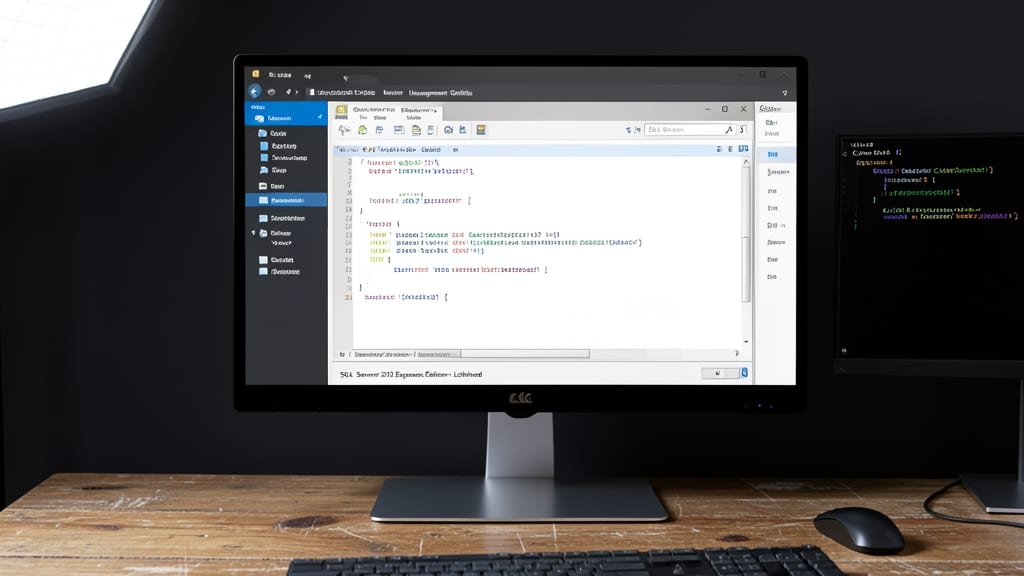
If you're a developer or small business owner working with SQL Server 2012 Express, the SQL Server 2012 Express Edition Management Studio is your lightweight powerhouse. Unlike the full SSMS version, this edition strips away enterprise features while keeping the essential tools you need for database management.
You get core SSMS functionality like query execution, table design, and basic administration—all without the overhead of AlwaysOn or advanced PowerShell scripting. The 10GB database size limit makes it perfect for testing, prototyping, or small-scale applications, while still supporting Windows 7/8/10 and SQL Server 2012 Express compatibility. The simplified UI ensures a smooth experience without unnecessary complexity.
This version is ideal for independent developers, startups, or students learning SQL Server. It’s the perfect bridge between basic tools and full-featured SSMS, offering just enough power to get the job done without the enterprise price tag. ✨
SQL Server 2019 Preview Management Studio Version
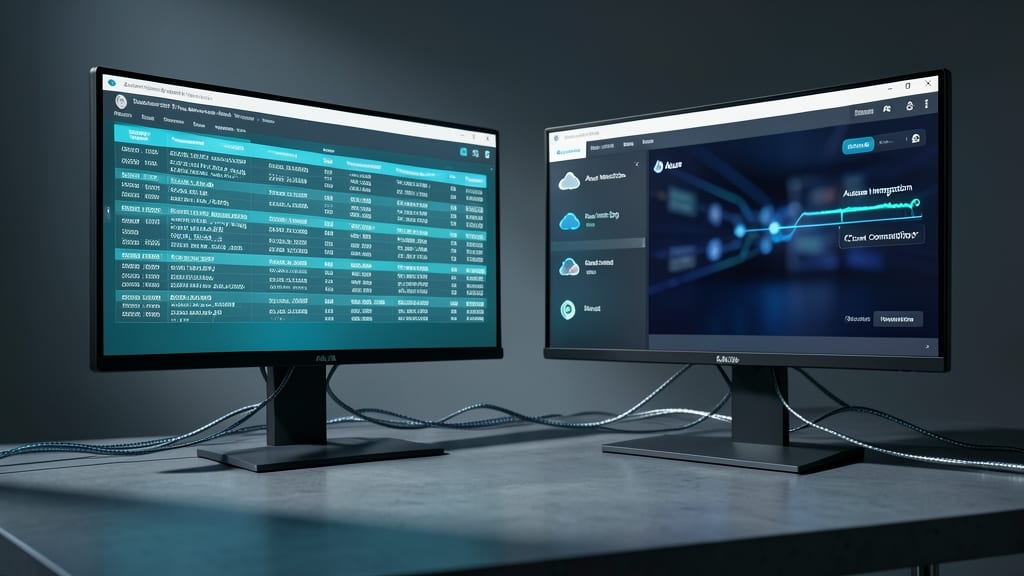
Curious about what’s coming next in SQL Server? The SQL Server 2019 Preview Management Studio gave developers a sneak peek at ledger tables—a blockchain-inspired feature for tamper-proofing critical data. This early access version also introduced tighter Azure integration with streamlined cloud deployment workflows, perfect for testing future-proof architectures.
The preview included experimental tools like enhanced query store analytics and improved IntelliSense for Python scripts, bridging gaps between SQL and modern data science workflows. While not production-ready, it let teams experiment with Azure Arc-enabled SQL Server configurations before the official release. Microsoft’s preview builds often become the foundation for final versions, making this a must-explore for forward-thinking DBAs. ✨