
Tip & Trick
Remote work expands your digital attack surface—but these 10 security best practices transform vulnerabilities into impenetrable defenses. Learn how to outsmart cybercriminals before they outsmart you, with actionable tactics for every device and workflow.
Zero-Trust Network Access for Remote Devices
Tired of VPNs that only encrypt traffic but leave your devices vulnerable? Zero-trust network access flips the script by verifying every device and user before granting access—no exceptions. Unlike traditional VPNs, it doesn’t trust your network by default; instead, it continuously checks for compliance with security policies, like up-to-date OS patches and endpoint protection.
Solutions like Microsoft Entra ID (formerly Azure AD) or Cisco Duo integrate with your existing systems to enforce identity-based access control. This means only devices with approved security profiles—regardless of location—can connect to corporate apps. For hybrid teams juggling personal and work devices, this eliminates the "trusted by default" risk that plagues VPNs. Plus, it works seamlessly with multi-factor authentication (MFA) for an extra layer of defense.
This approach is a game-changer for IT admins managing hybrid workforces or remote teams with mixed device ecosystems. It’s the closest thing to a "set-and-forget" security model for remote access, reducing the attack surface while keeping productivity flowing. ⚡
Multi-Factor Authentication Enforcement Policy
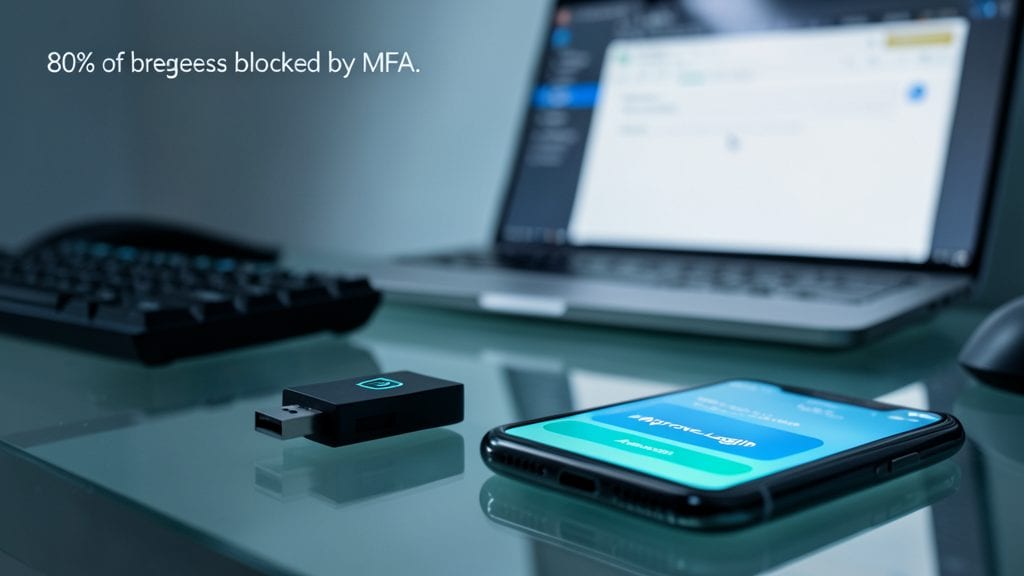
Credential stuffing attacks account for 80% of all data breaches—but a strict Multi-Factor Authentication (MFA) enforcement policy can block 99.9% of them before they even reach your systems. Unlike basic SMS codes, this approach mandates hardware tokens (like YubiKey) or push notifications for all sensitive applications, creating an extra layer that hackers simply can’t bypass.
Implementing this policy starts with identifying your high-risk applications—think financial systems, healthcare portals, or admin dashboards—then enforcing MFA through tools like Microsoft Azure AD Conditional Access or Google’s Advanced Protection Program. Hardware tokens like YubiKey offer phishing-resistant authentication, while push notifications provide convenience without sacrificing security. For compliance-heavy industries, this isn’t just a best practice—it’s often a requirement under HIPAA, GDPR, or PCI DSS.
Teams handling patient records, payment data, or proprietary research will see immediate benefits, but even smaller organizations can adopt this with minimal cost. Start with your most critical systems, then expand as your team gets comfortable. 💻
Endpoint Detection and Response Tools
Tired of traditional antivirus tools that only react after your system is compromised? Endpoint Detection and Response (EDR) tools like CrowdStrike Falcon or SentinelOne use AI-driven threat hunting to detect and neutralize ransomware before encryption even begins—no security team required.
These tools monitor 100+ behavioral indicators in real-time, from unusual process injections to lateral movement attempts, while automated responses quarantine threats instantly. Unlike signature-based antivirus, EDR adapts to zero-day exploits and provides forensic details for post-incident analysis—critical for small teams without dedicated IT security staff.
Perfect for remote-first businesses or solo professionals handling sensitive data, EDR turns your endpoints into proactive security sentinels. 💻
Secure Cloud Storage Configuration Guide
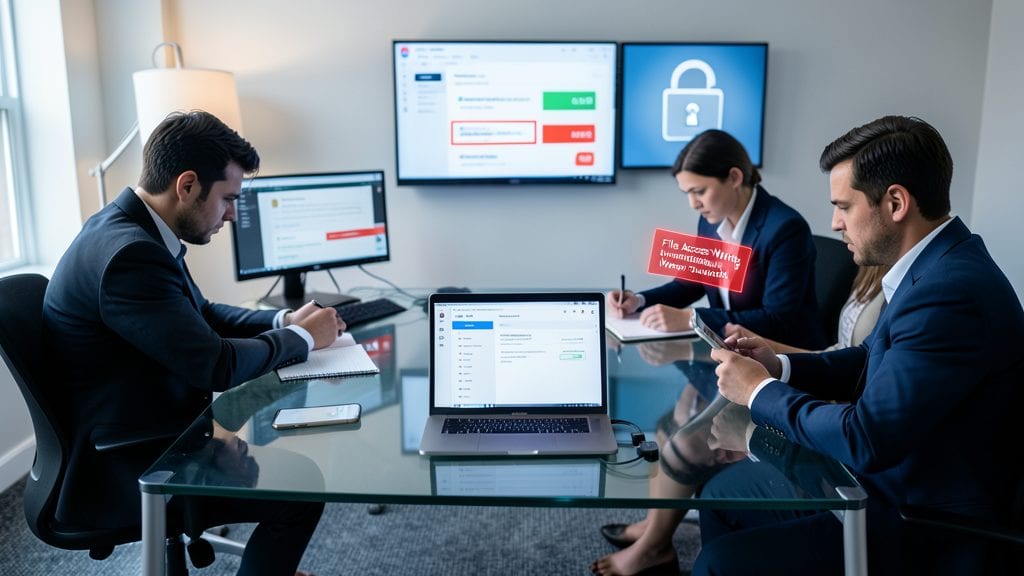
Creative teams juggling client projects know the pain of accidentally sharing sensitive files with the wrong person—or worse, leaving them exposed in a cloud folder forever. A secure cloud storage configuration with automatic encryption and time-bound access can turn this nightmare into a set-and-forget solution.
Start by enabling AES-256 encryption at rest and in transit (most providers offer this as a toggle). Then, enforce role-based access controls (e.g., "view-only" for clients, "edit" only for team members) and set auto-expiring links—say, 30 days—for shared files. Tools like Google Drive Enterprise or Microsoft OneDrive for Business let you log every access attempt, so you’ll spot leaks before they become breaches.
This setup is a game-changer for designers, marketers, or agencies where client confidentiality isn’t just a policy—it’s the foundation of trust. 🌟
Phishing Simulation Training Program
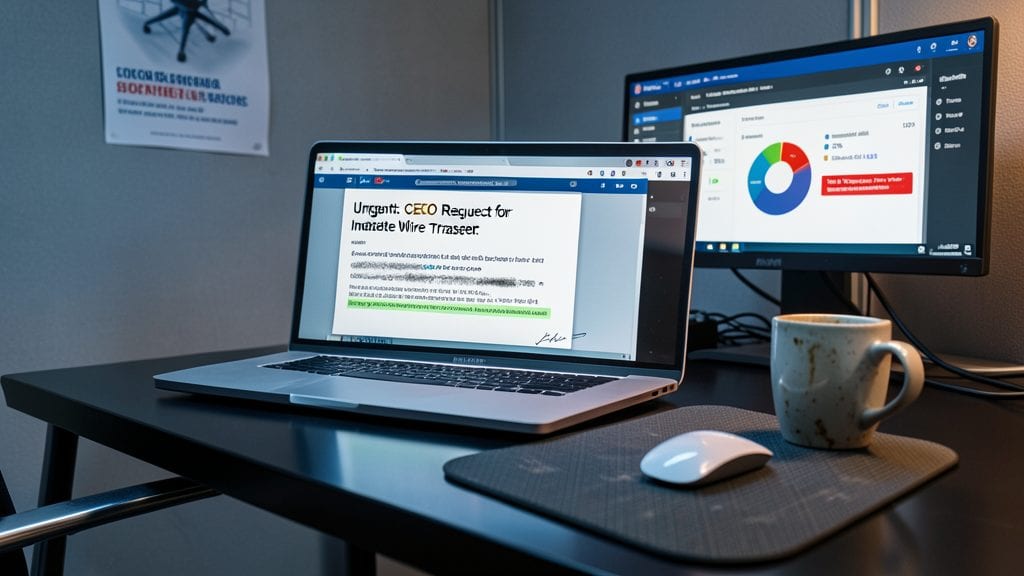
Your employees might think they’re phishing-proof—but one poorly timed email could expose your entire network. Phishing simulation training programs like KnowBe4 or Proofpoint deploy realistic attack scenarios (fake CEO emails, malicious links) to test reactions and reinforce best practices.
These programs track metrics like click-through rates and provide personalized feedback, with some reducing phishing susceptibility by 70% in just 3 months. Simulations mimic real-world threats, including spear-phishing and social engineering, while gamification keeps non-technical staff engaged. Automated reporting helps managers identify high-risk departments.
Perfect for HR teams, small businesses, or any organization where employees handle sensitive data—even if they’re not IT experts. 💡
Password Manager Implementation Checklist

Tired of remembering (or writing down) passwords for every login? A password manager isn’t just about convenience—it’s your first line of defense against credential stuffing and brute-force attacks. By enforcing 25-character random passwords for every account, you eliminate the #1 cause of data breaches: reused passwords.
Start by selecting a manager with zero-knowledge architecture (like Bitwarden or 1Password) to ensure your master password never leaves your device. Then, enable automatic password generation and two-factor authentication (2FA) integration—tools like Bitwarden even sync across unlimited devices. For executives juggling personal and work accounts, shared vaults with access controls streamline team collaboration while keeping credentials secure.
This isn’t just for tech-savvy users—enterprise-grade managers like LastPass or Dashlane offer audit logs to track suspicious login attempts. Whether you’re protecting a startup’s financials or your personal email, this checklist turns password security from a chore into an automated shield. ✨
Remote Desktop Protocol Security Hardening

If your IT team relies on Remote Desktop Protocol (RDP) for client support, you’re a prime target for brute-force attacks—unless you harden it first. Cybercriminals exploit weak RDP credentials to deploy malware or ransomware, but network-level authentication (NLA) and session timeouts can stop them cold.
Enable Network Level Authentication (NLA) in Windows Server to require credentials before the login screen loads, forcing attackers to crack two layers instead of one. Pair this with 10-minute session timeouts and account lockout policies after failed attempts to block automated guessing. Tools like Windows Firewall with Advanced Security let you restrict RDP to specific IPs, adding another layer of defense.
This setup is non-negotiable for managed service providers (MSPs) or IT support teams handling client systems remotely. With brute-force attacks accounting for over 90% of RDP-related breaches, these tweaks could save you from a costly incident. 💪
Mobile Device Management Policies
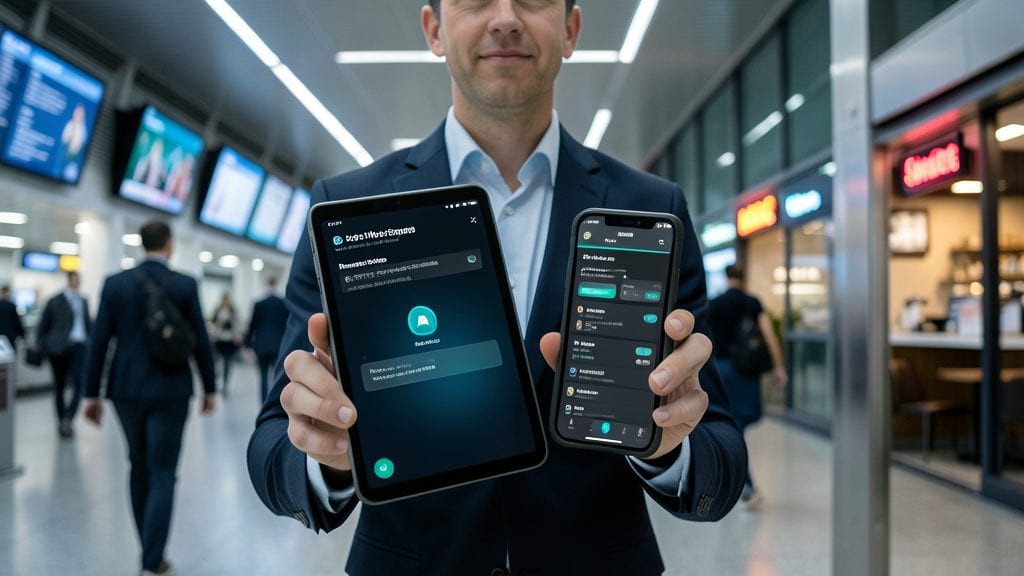
When your sales team relies on personal devices to close deals on the road, Mobile Device Management (MDM) policies turn risky BYOD environments into secure, company-compliant powerhouses. These policies don’t just lock down data—they enable remote wipe capabilities, enforce AES-256 encryption for all stored corporate data, and even restrict access to unauthorized apps, preventing shadow IT threats.
Platforms like Microsoft Intune or Jamf let you push compliance rules instantly, ensuring zero-day protection for lost or stolen devices. You can also segment access by role—giving sales reps CRM app permissions while blocking risky file-sharing apps. The best part? These policies work silently in the background, so your team stays productive without friction.
Perfect for sales teams juggling laptops, tablets, and smartphones while traveling, MDM policies give IT teams peace of mind without sacrificing mobility. 💻
Incident Response Playbook Template
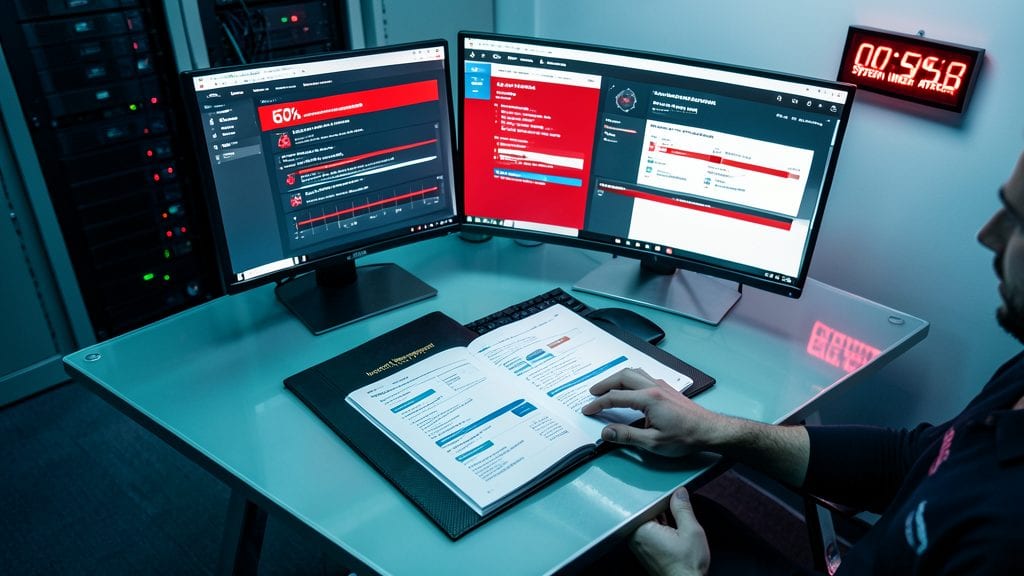
When a data breach hits, every minute counts—especially in regulated industries where downtime means fines and reputational damage. A prebuilt incident response playbook slashes containment time by 60% by mapping out exact steps for everything from malware infections to lost devices, ensuring compliance teams act fast without guesswork.
The template includes modular checklists for common threats like ransomware, insider leaks, or compromised credentials, with escalation paths for legal and PR teams. Tools like automated forensic collection and pre-approved vendor contacts eliminate decision paralysis during crises. Customizable for HIPAA, GDPR, or SOX, it even integrates with SIEM systems for real-time alerting.
This isn’t just for enterprises—smaller teams in healthcare or finance can adopt the free community templates from NIST or MITRE, then tailor them to their workflow. The key? Test your playbook annually with tabletop exercises to spot gaps before they become breaches. 💪
Home Network Security Audit Checklist

Your home network is the weakest link in your cybersecurity chain—especially when you’re sharing space with roommates, family, or even guests. Cybercriminals often exploit unsecured IoT devices and weak Wi-Fi encryption to pivot from personal devices to corporate networks, creating backdoors that even MFA can’t stop.
Start with a Wi-Fi security audit using tools like Wireshark or Fing to scan for outdated protocols (WPA2 instead of WPA3) and default IoT passwords. Disable UPnP (a common attack vector) and segment your network with a guest VLAN to isolate personal devices from work traffic. Don’t overlook firmware updates—many IoT devices ship with unpatched vulnerabilities that hackers scan for automatically.
This checklist is non-negotiable for anyone working remotely from shared spaces, whether it’s a co-living apartment or a family home. A single unsecured smart bulb or router could turn your workspace into a cybercriminal’s playground. 💻