
Microsoft Office
Microsoft Teams isn’t just for business—it’s a game-changer for modern classrooms. These 10 benefits show how this platform enhances collaboration, accessibility, and student engagement while simplifying daily teaching workflows.
Seamless Classroom Communication Hub
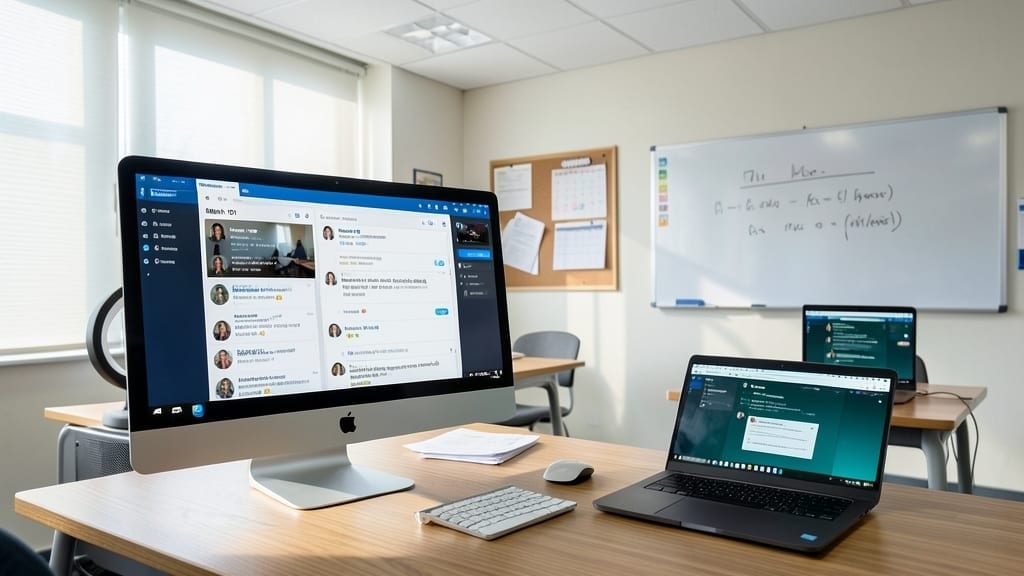
Tired of chasing down students via email or missed announcements? Microsoft Teams transforms classroom communication with a single, organized hub where teachers post updates, share files, and chat—all in one place.
With persistent channels for each class, students receive real-time notifications for assignments, deadlines, and discussions. The integrated file-sharing feature lets teachers drop resources directly into chat, while @mentions ensure urgent messages get seen fast. Plus, read receipts confirm when students have viewed important updates, cutting down on "I didn’t see it!" excuses.
This is perfect for hybrid or remote classrooms where quick, clear communication keeps everyone on the same page. No more digging through emails or lost paper handouts—just streamlined, efficient updates. 💻
Real-Time Collaboration on Assignments
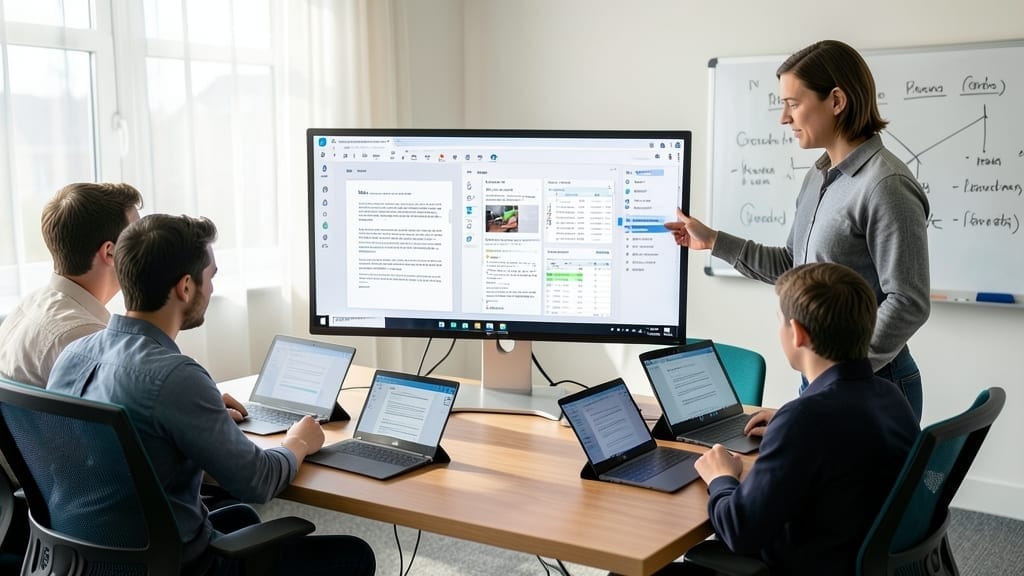
Group projects just got smoother with Microsoft Teams’ real-time co-authoring—where students and teachers edit Word docs, PowerPoint slides, and Excel spreadsheets together, like a digital whiteboard session. No more emailing drafts back and forth; changes appear instantly, with version history tracking every tweak for accountability.
The @mentions feature lets you tag classmates for feedback, while the comments thread keeps discussions organized alongside the work. For presentations, multiple students can refine slides simultaneously, and the integrated chat lets you clarify ideas without leaving the document. Perfect for peer reviews or brainstorming sessions where creativity thrives in real time.
This is a game-changer for group projects, language exchanges, or STEM collaborations where visuals and data matter. 💡
Virtual Classrooms with Interactive Tools
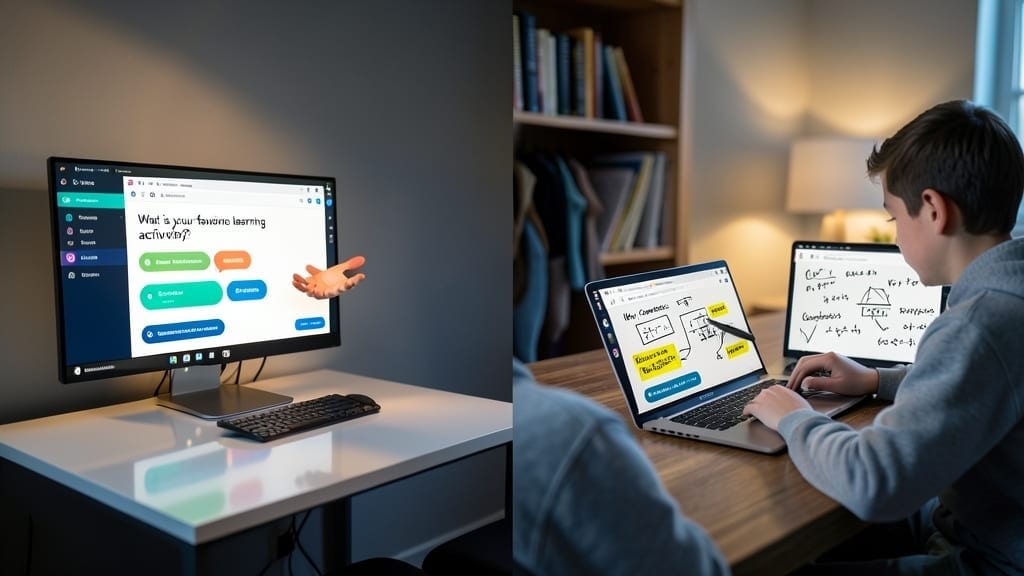
Hybrid classrooms don’t mean hybrid engagement—Microsoft Teams turns distance into opportunity with real-time interactive tools that transform passive viewers into active participants.
Use live polls to gauge understanding instantly, breakout rooms for small-group discussions, and screen-sharing with annotations to guide students through complex concepts. The whiteboard feature lets you sketch ideas while students follow along, while reactions and raise-hand tools mimic in-person cues—keeping energy high even in virtual settings.
Perfect for K-12 teachers blending in-person and remote students, or higher ed instructors leading global classrooms. No more "mute everyone" fatigue—just dynamic, structured lessons that adapt to any learning environment. ✨
Integration with Microsoft 365 Suite
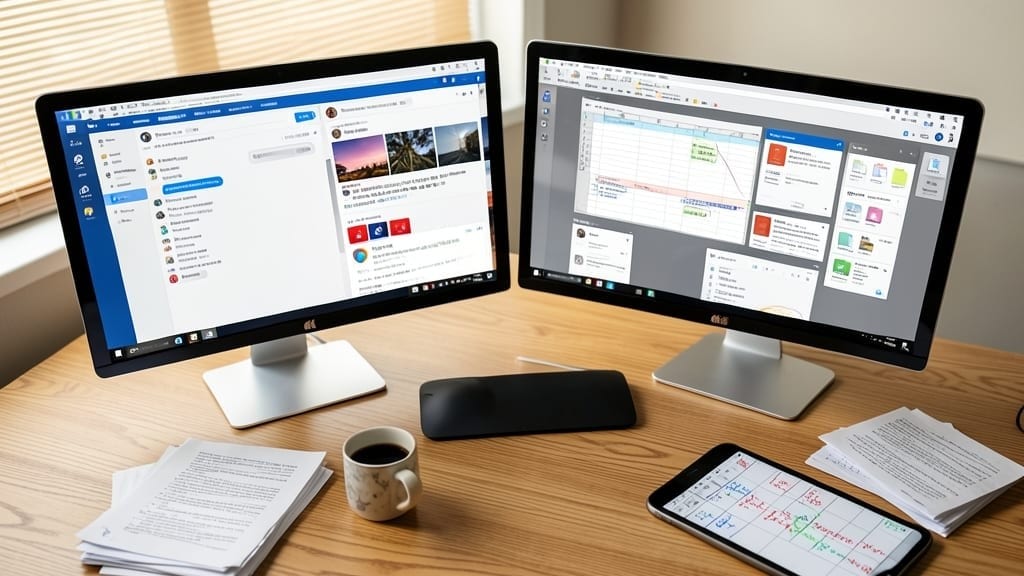
Tired of juggling multiple apps for lesson prep, grading, and student work? Microsoft Teams’ seamless Microsoft 365 integration turns chaos into a unified workflow—no more switching between tools.
With direct access to Word, Excel, PowerPoint, and OneNote, teachers can create assignments, grade papers, and organize notes—all within Teams. The co-authoring feature lets students collaborate on projects in real time, while version history keeps track of edits. Plus, OneNote integration turns class notes into interactive lessons with embedded videos, links, and handwritten annotations.
This is a game-changer for educators who rely on Microsoft 365 daily—eliminating app-hopping and keeping everything in one secure, familiar space. ✨
Secure File Sharing and Storage
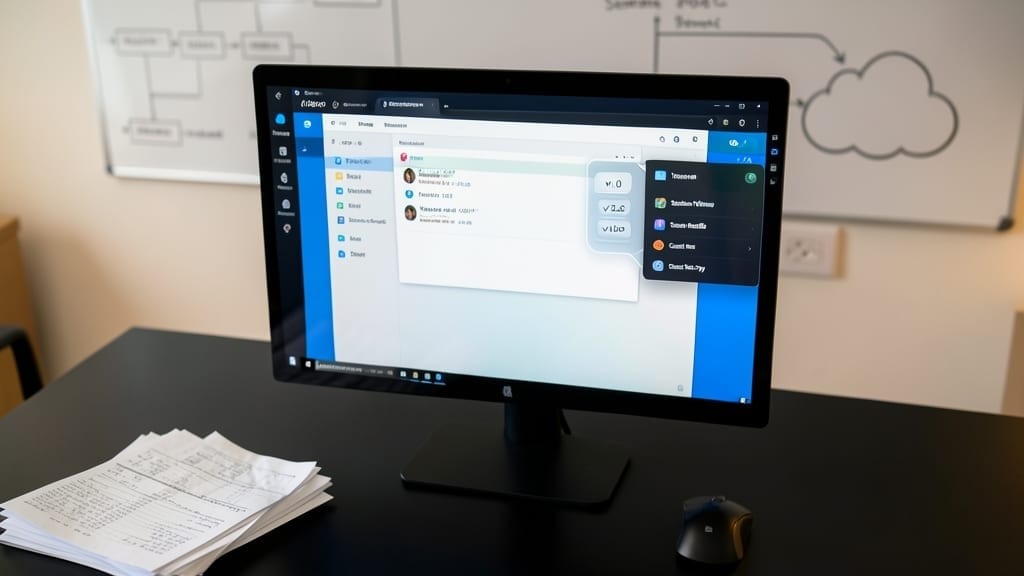
Worried about lost assignments or unauthorized access to student work? Microsoft Teams’ cloud-based file storage solves both with version history and granular permission controls, ensuring every project is backed up and only accessible to approved users.
Teachers can restore previous drafts instantly, while FERPA-compliant sharing settings let you control who views or edits files—whether it’s just your class or parents with permission. The 10GB file storage per user (with OneDrive integration) grows as needed, and automatic backups prevent data loss from device failures.
Perfect for schools handling sensitive student data, this feature turns chaotic file-sharing into a secure, audit-ready system—without extra IT overhead. ✨
Automated Grading and Feedback Tools
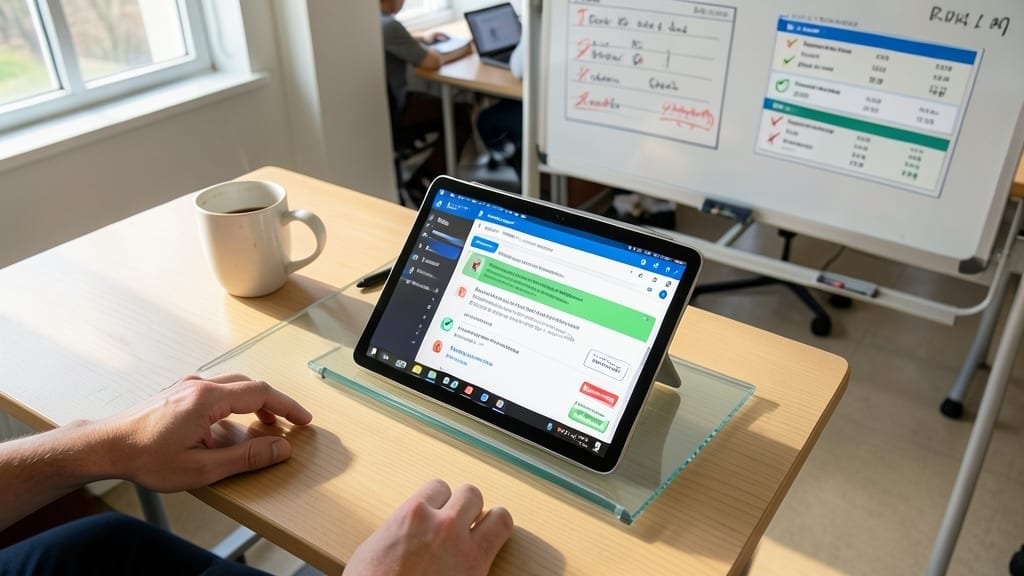
Grading papers is one of the biggest time sinks for teachers—but Microsoft Teams flips the script with AI-powered grading tools that cut workload while keeping students on track. Pre-built rubrics and assignment templates ensure consistency, while instant feedback helps students correct mistakes faster.
You can automate scoring for quizzes, essays, and even rubric-based projects with Microsoft Forms integration, then provide personalized comments directly in the assignment. The Feedback feature lets you highlight text, add voice notes, or suggest edits—all without printing a single paper. For large classes, batch grading lets you process multiple submissions at once, saving hours each week.
This is a game-changer for high school teachers juggling heavy workloads or college professors grading research papers. Even better? It’s all built into Teams—no extra software needed. ✨
Parent-Teacher Communication Bridge
Tired of chasing down parents through scattered emails or missed phone calls? Microsoft Teams creates a dedicated communication hub where teachers can share updates, homework assignments, and class announcements—all in one organized space.
With class-specific channels, educators can post announcements visible only to parents of their students, reducing clutter. The @mention feature ensures important updates reach the right families instantly, while file-sharing keeps resources like syllabi and event details accessible 24/7. No more digging through email threads or voicemail boxes!
This feature is a lifesaver for busy parents and teachers juggling multiple responsibilities. It turns fragmented communication into a streamlined, transparent process—keeping everyone informed without the chaos. ✨
Accessibility Features for All Learners
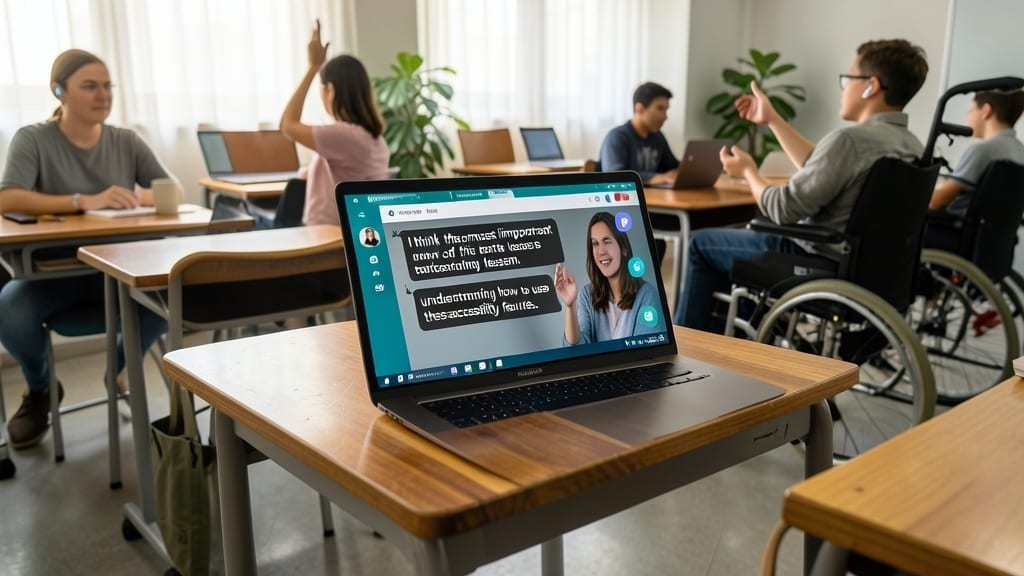
Every student deserves to participate fully—no matter their abilities. Microsoft Teams removes barriers with built-in accessibility tools that adapt to diverse learning needs, ensuring no one gets left behind during lessons or discussions.
The platform’s live captions transcribe spoken words in real time, helping students with hearing impairments follow along effortlessly. For those learning English as a second language, the real-time translator supports over 100 languages, while screen reader compatibility (via JAWS or Narrator) makes digital content accessible to visually impaired learners. These features work seamlessly without extra setup, making inclusivity effortless for educators.
This is a game-changer for schools serving diverse student bodies, from ESL classrooms to special education programs. With Teams, technology finally bridges gaps instead of creating them. ✨
Classroom Management with Polls and Quizzes
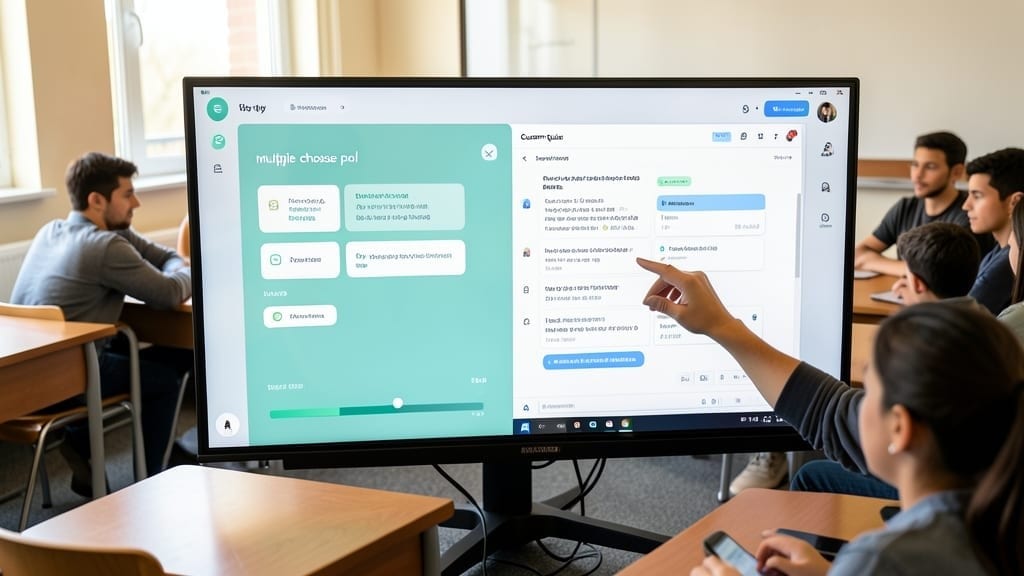
Turn passive learning into an interactive experience with Microsoft Forms integration—now embedded directly in Teams. Whether you’re checking for comprehension with a quick multiple-choice poll or diving deeper with a custom quiz, these tools let you see real-time results without missing a beat.
Create graded quizzes with auto-scoring, or use anonymous polls to spark discussions without pressure. The insights dashboard breaks down responses by question, helping you spot trends—like which concepts need review—so you can pivot your lesson mid-flight. Best of all, it works on any device, from classroom PCs to student tablets.
Perfect for lecture-based classes where engagement dips mid-lesson, or flipped classrooms needing quick checks for understanding. Give students a voice—and your teaching a data-driven boost. ✨
Cost-Effective Solution for Schools
Struggling with bloated education budgets while needing top-tier collaboration tools? Microsoft Teams offers a zero-cost solution for schools already using Microsoft 365—no extra licenses or subscriptions required. This means districts can ditch pricey third-party platforms like Zoom or Google Classroom while keeping the same enterprise-grade security and features.
With Teams, schools gain unlimited team creation, 250-person meeting capacity, and 10GB file storage per team—all without hidden fees. The platform’s deep integration with Office 365 further reduces costs by eliminating the need for separate apps, while admin controls simplify compliance with FERPA and COPPA. Even IT departments benefit from centralized management and automated updates.
This makes Teams the smart choice for cash-strapped schools looking to modernize without breaking the bank. 💪