
Operating System
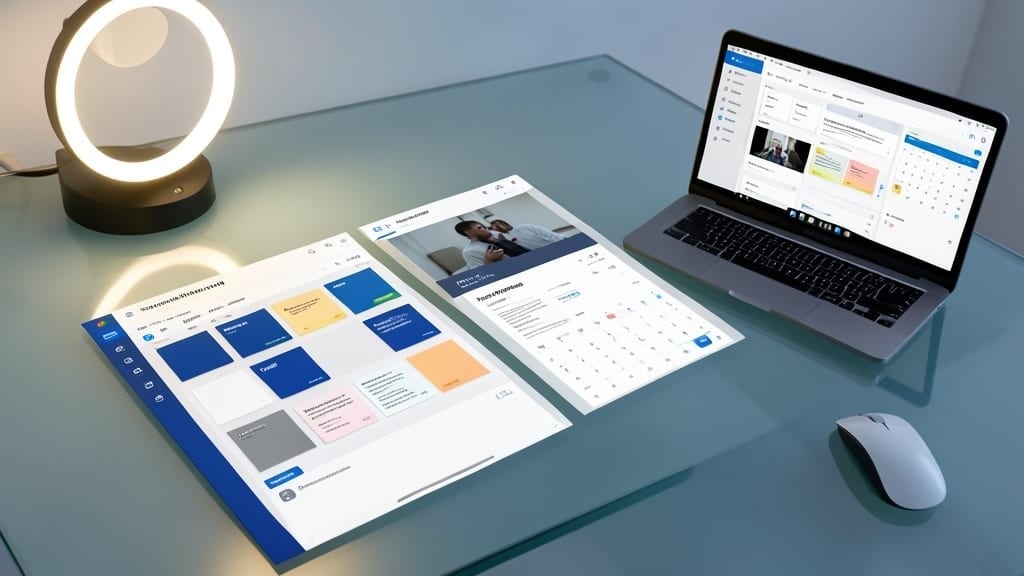
Struggling to stay organized with Microsoft OneNote? These 10 free 2023 planner templates transform your digital notebook into a productivity powerhouse—whether you're a student, professional, or creative mind. All are ready-to-use and compatible with Windows, Mac, and web.
Minimalist Daily Planner Template
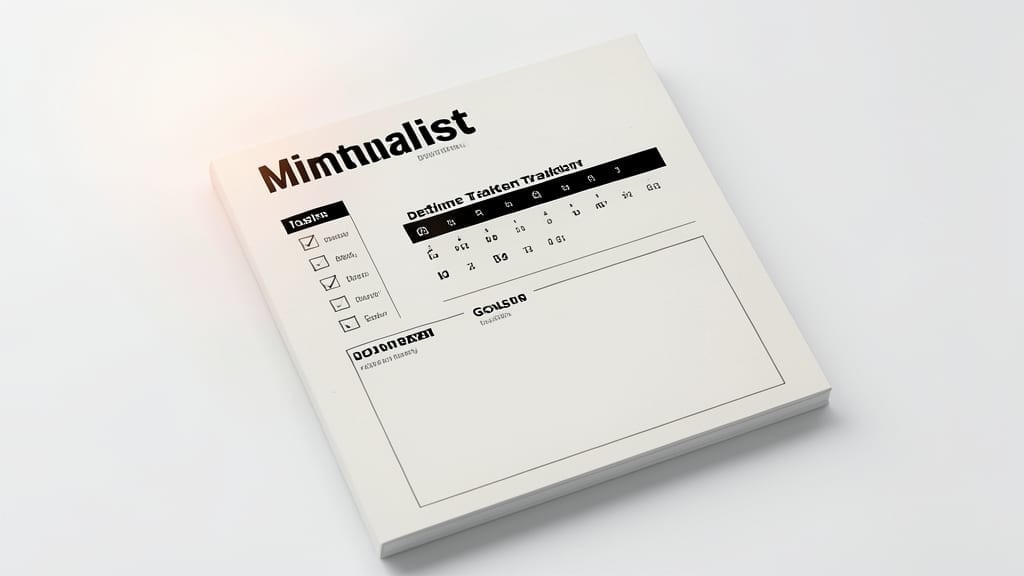
If cluttered digital notebooks leave you overwhelmed, the Minimalist Daily Planner Template is your productivity reset button. This template strips away unnecessary fluff, replacing it with a zero-distraction layout that prioritizes what truly matters—your tasks, deadlines, and goals.
Built with OneNote’s native features, it includes dedicated sections for daily to-dos, weekly overviews, and a priority matrix to help you focus on high-impact work. The clean design uses subtle pastel accents and a grid-free structure, making it easy to customize while keeping your workspace visually uncluttered. Best of all, it syncs seamlessly across Windows, Mac, and mobile—no extra apps needed.
Perfect for professionals who value efficiency, this template is ideal for those who want to reduce decision fatigue while maximizing output. Just import it into OneNote and start organizing like a pro. ✨
Student Academic Planner Template
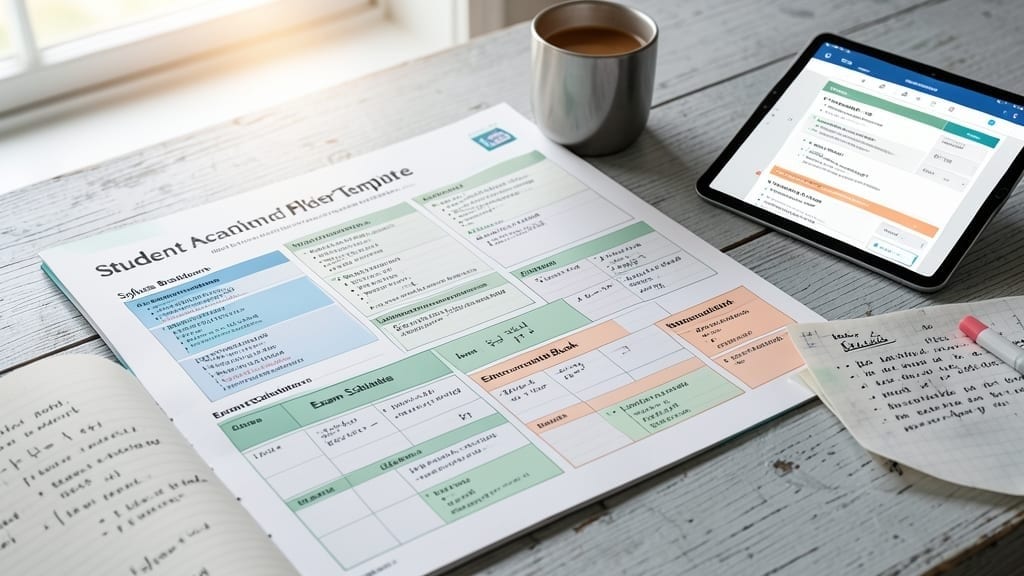
Balancing coursework, exams, and extracurriculars just got easier with the Student Academic Planner Template—a game-changer for college students drowning in deadlines. This template isn’t just another to-do list; it’s a dedicated academic hub with pre-built sections for syllabus breakdowns, assignment deadlines, and even a GPA tracker to visualize your progress semester by semester.
You’ll find color-coded priority flags for urgent tasks, a study schedule builder with time-blocking tools, and a resource library to store lecture notes, articles, and textbook highlights—all synced across Windows, Mac, and mobile. The template even includes a "Pomodoro timer" section to keep study sessions focused, and auto-calculated GPA metrics so you can spot trends early. No coding or design skills required—just drag, drop, and customize.
This is the perfect fit for undergrads juggling multiple classes, grad students prepping for thesis deadlines, or anyone who wants to turn chaos into a structured study system. 💻
Bullet Journal Hybrid Template
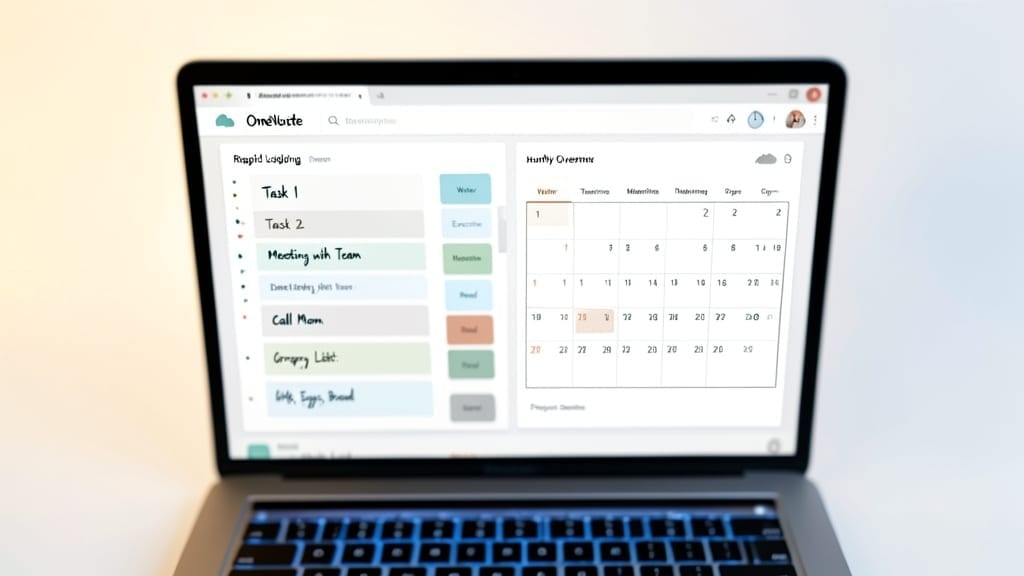
If you love the tactile feel of a bullet journal but crave digital flexibility, this OneNote Hybrid Template bridges the gap perfectly. Designed for analog converts, it merges rapid logging, habit trackers, and monthly overviews into a seamless digital experience—no paper required.
The template includes customizable rapid logging sections for tasks, events, and notes, plus interactive habit trackers with color-coded progress bars. Monthly and weekly overviews let you visualize goals at a glance, while OneNote’s ink tools mimic handwritten notes for that familiar bullet journal vibe. Best of all, it syncs across devices so your progress stays with you.
This is the ideal choice for creatives, students, or professionals who want the structure of a bullet journal without the mess. Try it and experience the best of both worlds. ✨
Project Management Timeline Template
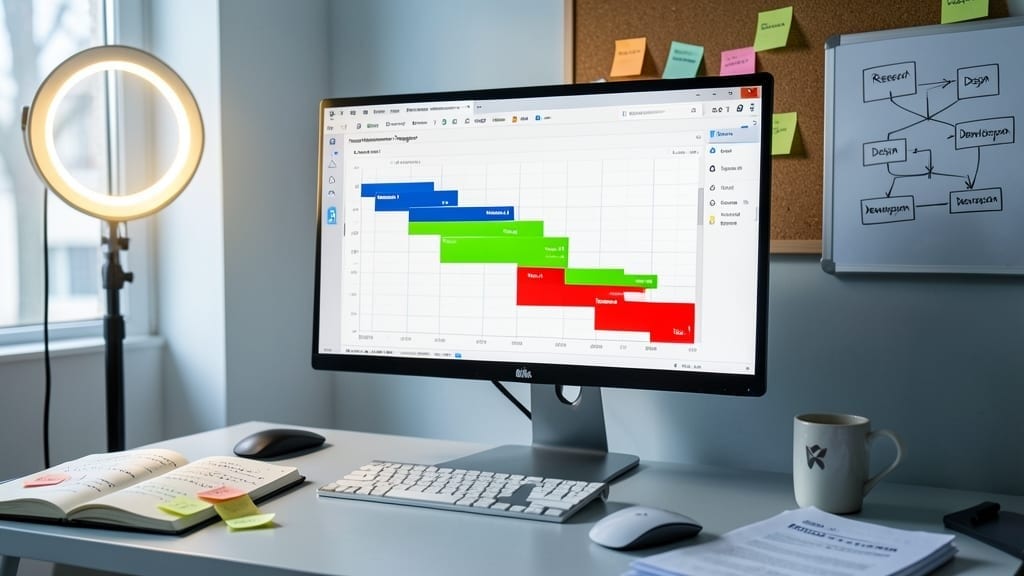
Juggling multiple projects with tight deadlines? The Project Management Timeline Template turns OneNote into a visual command center for freelancers and managers. With built-in Gantt chart layouts, this template lets you map out timelines, dependencies, and critical milestones in minutes—no spreadsheets required.
Key features include color-coded task bars, progress trackers, and collaboration sections for team assignments. The milestone tracker highlights key deadlines, while the drag-and-drop interface adapts to any workflow complexity. Compatible with OneNote 2023, it syncs across devices for real-time updates—perfect for remote teams or solo freelancers managing multiple clients.
Ideal for project managers, agency owners, or freelancers handling complex workflows, this template cuts planning time by 50% while keeping everyone aligned. Just import it and start organizing like a pro. 💪
Health and Wellness Tracker Template
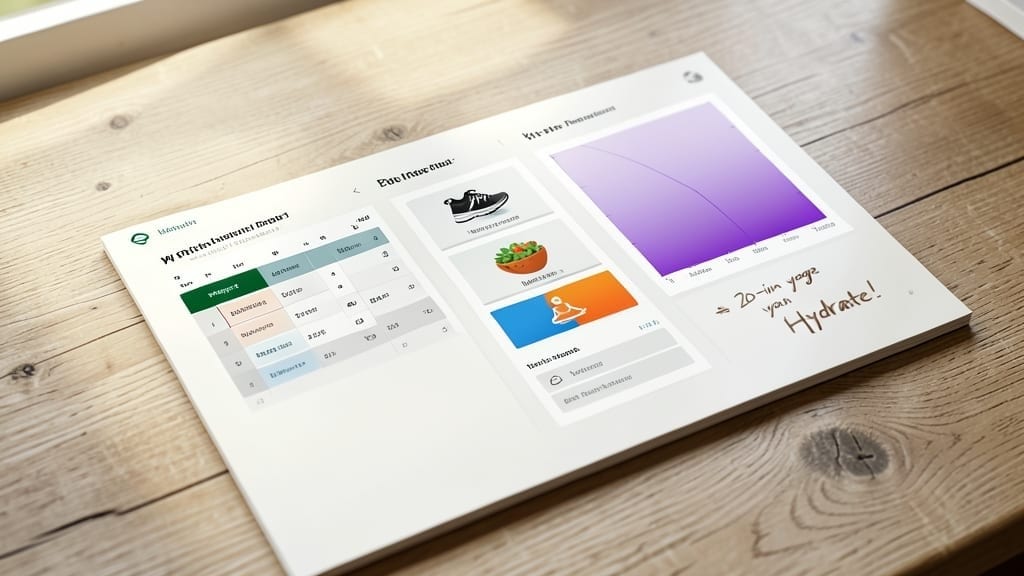
If you’re juggling work deadlines, fitness goals, and mental clarity, the Health and Wellness Tracker Template is your all-in-one productivity companion. Unlike generic planners, this template integrates fitness tracking, meal planning, and mental health check-ins into a single, intuitive layout—so you can finally sync your well-being with your to-do list.
It features customizable habit trackers for water intake, exercise, and meditation, plus a drag-and-drop meal planner with grocery list generation. The built-in mood tracker uses color-coded scales to help you spot patterns, while the weekly reflection section keeps you accountable. Best of all, it’s fully compatible with OneNote’s mobile app, so you can log progress on the go.
Ideal for remote workers, parents, or anyone balancing health and productivity, this template turns self-care into a seamless part of your daily routine. No more scattered notes—just one centralized hub for a healthier, more organized you. 💪
Weekly Meal Planner with Grocery List
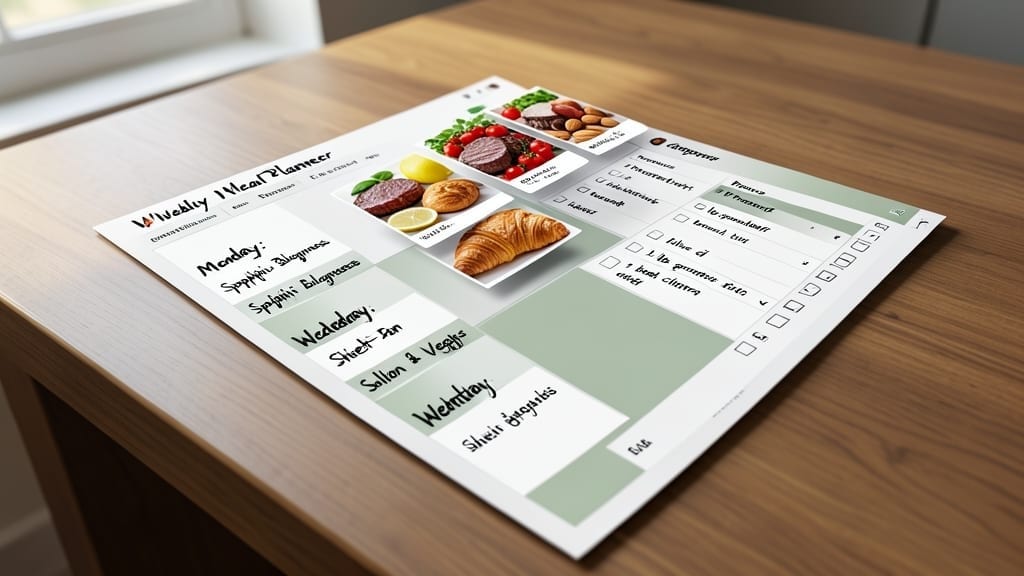
Tired of last-minute grocery runs and forgotten recipes? The Weekly Meal Planner with Grocery List template turns meal prep into a breeze with drag-and-drop flexibility and smart organization. Designed for busy households, it includes customizable meal slots, recipe storage, and an auto-generated grocery list that syncs across devices—no more double-checking pantry staples!
With pre-built sections for breakfast, lunch, dinner, and snacks, you can rearrange meals in seconds. The built-in recipe database lets you save favorites, and the grocery list updates dynamically as you plan. Compatible with OneNote’s offline mode, it’s perfect for families who meal prep on weekends or professionals who need quick, healthy options.
Ideal for meal preppers, parents, or anyone tired of takeout, this template cuts weekly grocery trips by 30% while keeping your kitchen stocked. Just drag, drop, and save—no extra apps needed. 💻
Creative Writer’s Inspiration Board
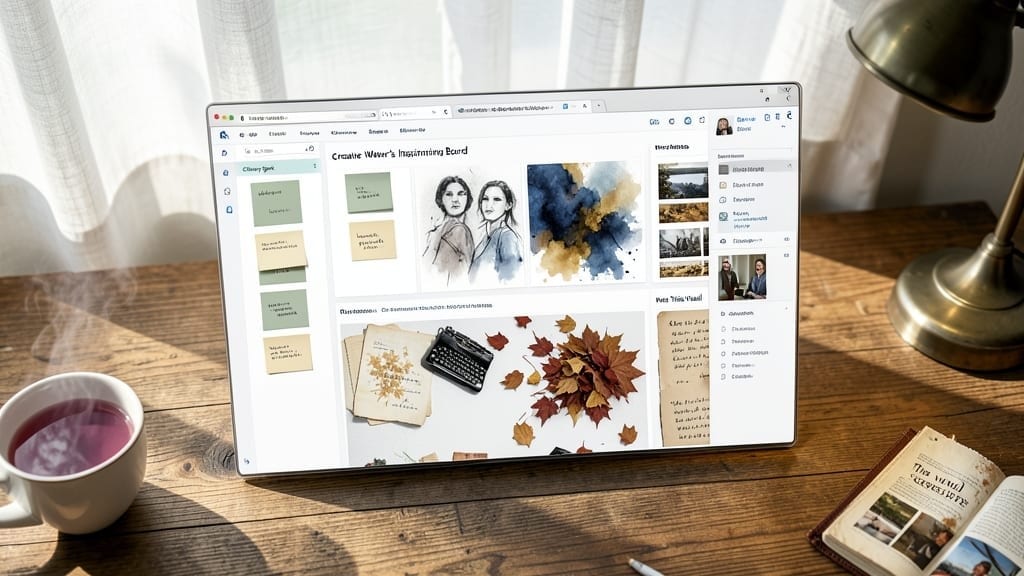
Stuck staring at a blank page while your story ideas scatter like leaves in the wind? The Creative Writer’s Inspiration Board template turns OneNote into your ultimate brainstorming hub, designed specifically for fiction writers and content creators.
This template includes pre-built sections for character profiles (with fields for backstory, motivations, and relationships), plot outlines (using visual timelines and scene-by-scene breakdowns), and mood boards (drag-and-drop image collections for setting atmosphere). The handwritten-style digital ink sections mimic notebook scribbles, while embedded tables keep research organized—all synced across devices.
Perfect for novelists, screenwriters, or bloggers drowning in half-finished ideas, this template helps you visualize your project from concept to completion without switching apps. Just import it and let your creativity flow. 💻
Fitness Training Log Template
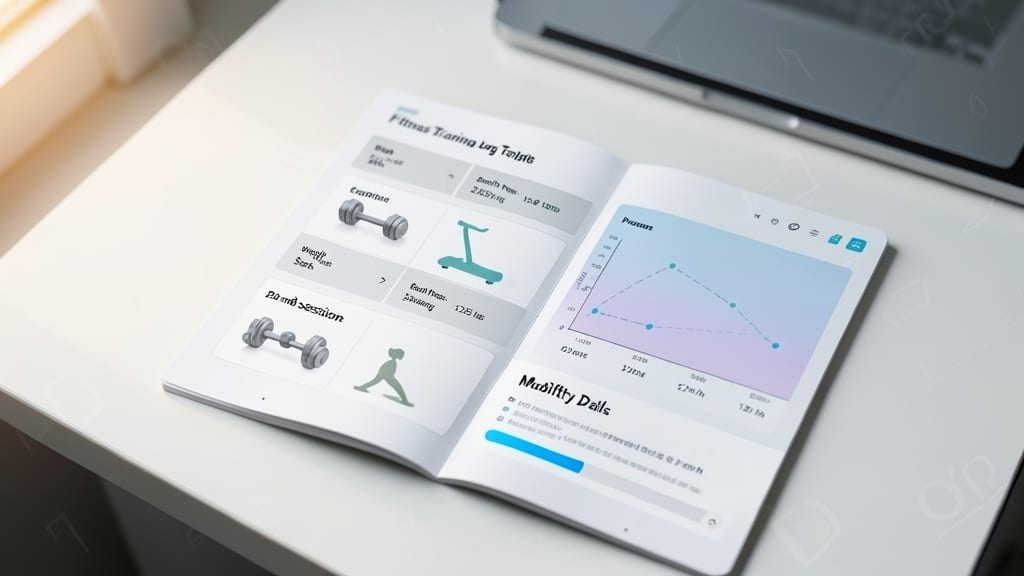
Tired of juggling fitness apps while tracking your workouts? The Fitness Training Log Template keeps everything in one place—no more app-hopping. Designed specifically for OneNote, this template lets you log weightlifting sets, cardio sessions, and mobility drills with built-in progress charts and customizable workout plans.
With dedicated sections for performance metrics (like reps, sets, and rest times), progress photos, and monthly goal tracking, you’ll see improvements over time without the hassle. The template also includes a weekly schedule view to plan workouts ahead, ensuring consistency. Best of all, it syncs across Windows, Mac, and mobile—so your gym progress stays with you everywhere.
Perfect for gym-goers, runners, or anyone serious about fitness, this template turns OneNote into your all-in-one fitness command center. No extra subscriptions or complicated setups—just download, customize, and crush your goals. 💪
Travel Itinerary Organizer Template
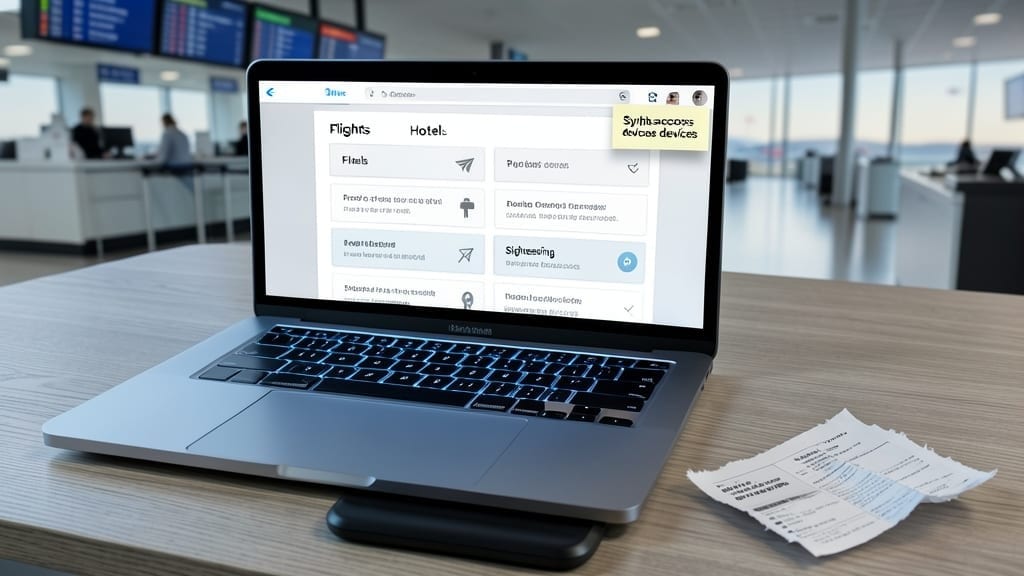
Lost your paper itinerary mid-flight? The Travel Itinerary Organizer Template is your digital lifesaver, designed to keep all your travel chaos—flights, hotels, and sightseeing—in one searchable, syncable hub. No more frantic searches through emails or crumpled receipts.
This template includes dedicated sections for flight details (with e-ticket storage), hotel confirmations (complete with check-in times), and interactive sightseeing lists (with checkboxes and notes). The color-coded calendar view lets you visualize your trip at a glance, while embedded maps pinpoint locations directly in OneNote. Best of all, it syncs across Windows, Mac, and mobile—so your itinerary is always accessible, even offline.
Ideal for digital nomads, frequent flyers, or anyone planning a multi-city adventure, this template turns travel stress into effortless organization. Just drag and drop your bookings, and let OneNote handle the rest. 🌟
Customizable Notion-Style Dashboard
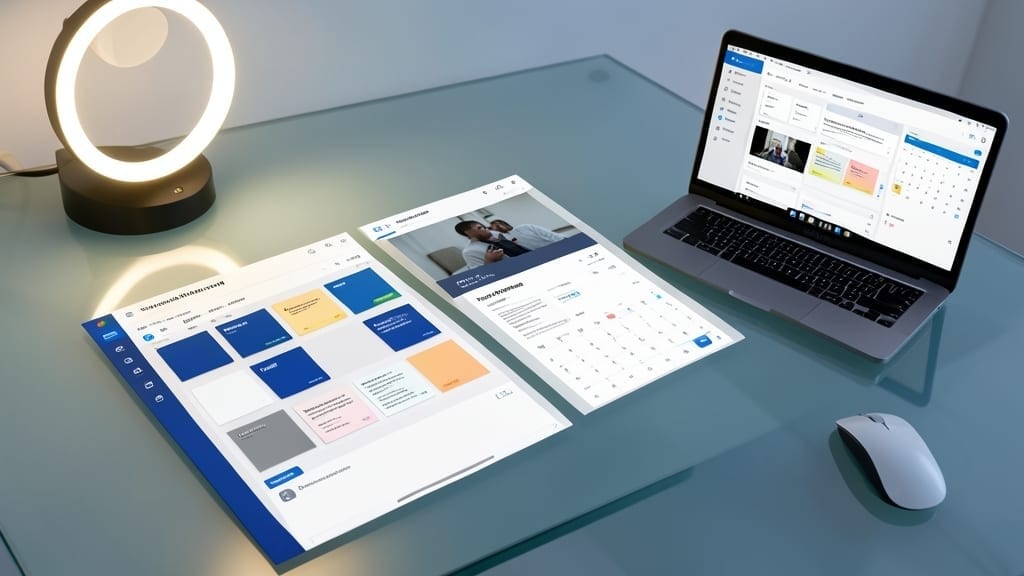
Tired of rigid planners that can’t adapt to your workflow? The Customizable Notion-Style Dashboard brings Notion’s legendary flexibility directly into OneNote, letting you mix notes, databases, and embedded media in one fluid workspace.
This template features drag-and-drop modular sections—think kanban boards, embedded spreadsheets, and rich text blocks—all while keeping OneNote’s familiar interface. Unlike static templates, you can resize, rearrange, or hide sections without losing functionality. It even supports OneNote’s native search and cross-device sync, so your dashboard stays accessible whether you’re on Windows, Mac, or mobile.
Ideal for power users, developers, or creators who juggle multiple projects, this template lets you build a workspace that evolves with your needs—just like Notion, but without the learning curve. 💻