
Software

Understanding standardized date and time formats is critical for developers, data analysts, and IT professionals. These 10 internationally recognized formats ensure consistency across systems, APIs, and databases—preventing errors in global applications and compliance issues.
ISO 8601 Date Format (YYYY-MM-DD)

If you’ve ever struggled with ambiguous dates like "03/04/05" (Is that March 4 or April 3?), ISO 8601’s YYYY-MM-DD format is your solution. Designed for global clarity, this standard eliminates regional confusion by placing the year first, ensuring machines and humans parse dates consistently across languages and systems.
The format’s four-digit year (e.g., 2023-10-15) removes ambiguity, while the hyphen separators make it easy to scan and validate. It’s natively supported in Python’s datetime, JavaScript’s Date, SQL databases, and even Excel—meaning you can store, query, and display dates without locale-specific headaches. The sorting-friendly structure also optimizes database indexing and API responses.
Perfect for developers building cross-border applications, data analysts working with international datasets, or sysadmins managing servers worldwide, this format is the backbone of modern date handling. ✨
ISO 8601 Time Format (HH:MM:SS)
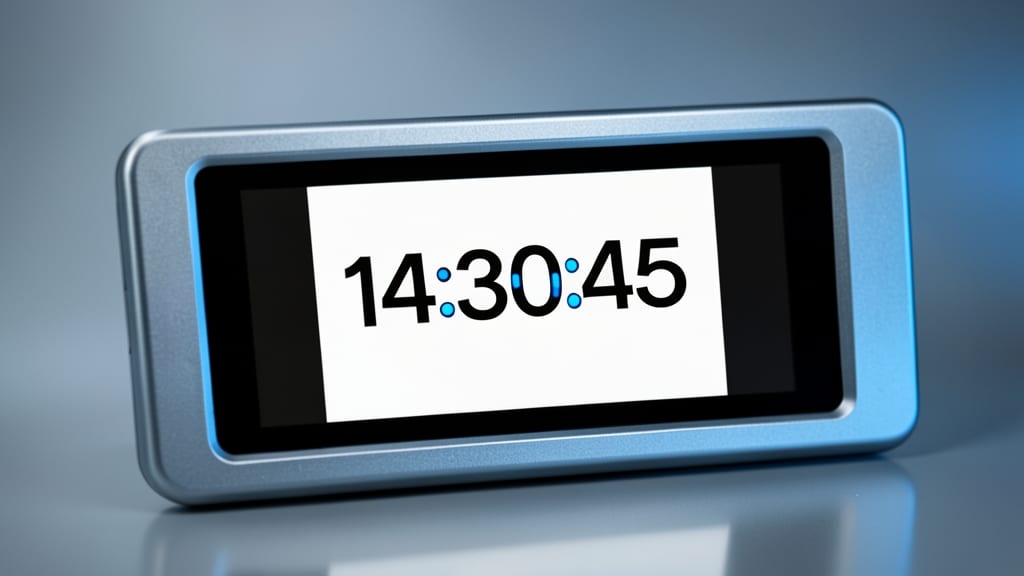
Financial transactions and scheduling systems can’t afford ambiguity—enter ISO 8601’s time format (HH:MM:SS), the precision tool for applications where milliseconds matter. Unlike 12-hour clocks that confuse AM/PM, this 24-hour format (e.g., 14:30:45) eliminates guesswork while supporting optional millisecond precision (HH:MM:SS.SSS) for high-frequency trading or event logging.
Most modern languages handle it natively: Python’s datetime.time(), JavaScript’s toISOString(), and databases like PostgreSQL all support it without extra parsing. The colon separators ensure readability, while the absence of timezone ambiguity (unlike Unix timestamps) makes it ideal for localized scheduling tools or financial ledgers where exact timing is critical.
Perfect for developers building time-sensitive APIs, trading platforms, or logistics systems where delays cost money. ⚡
RFC 2822 Email Date Format

If your application deals with email systems, APIs, or cross-platform messaging, RFC 2822 is the unsung hero of date formatting. Unlike rigid ISO standards, this format dynamically adapts to time zones and daylight saving adjustments while maintaining universal compatibility across email clients and servers.
The format follows a day-of-week, day-month-year, time, and timezone offset structure (e.g., "Wed, 21 Jun 2023 09:30:45 -0700"). It automatically handles local time conversions and daylight saving transitions, making it ideal for systems where emails traverse multiple time zones. Libraries like Python’s email.utils.formatdate() or Java’s javax.mail.internet.MimeMessage support it natively.
Developers building email APIs, archiving systems, or integrating with SMTP servers will find RFC 2822 the safest choice—it’s battle-tested across decades of email protocols. ⚡
Unix Timestamp (Seconds Since Epoch)

When your backend needs to crunch numbers faster than a human can blink, Unix timestamps are the unsung hero. Representing time as seconds since January 1, 1970 (Epoch), this format strips away ambiguity—no colons, no slashes, just pure numerical precision for calculations, sorting, and comparisons.
At its core, a Unix timestamp is a 64-bit integer (or 32-bit for older systems), making it lightweight for storage and lightning-fast for arithmetic. Need to measure server response times or log event sequences? Timestamps let you subtract two values to get elapsed seconds—no parsing required. Libraries like Python’s time.time() or JavaScript’s Date.now() handle conversions seamlessly, while databases like PostgreSQL natively support this format for indexing.
Perfect for log analysis, performance benchmarking, and distributed systems, this format shines where raw speed matters. Just remember: users won’t read 1687345045—keep it for internal systems and convert to human-readable formats when displaying. ⚡
SQL Date Format (YYYY-MM-DD)
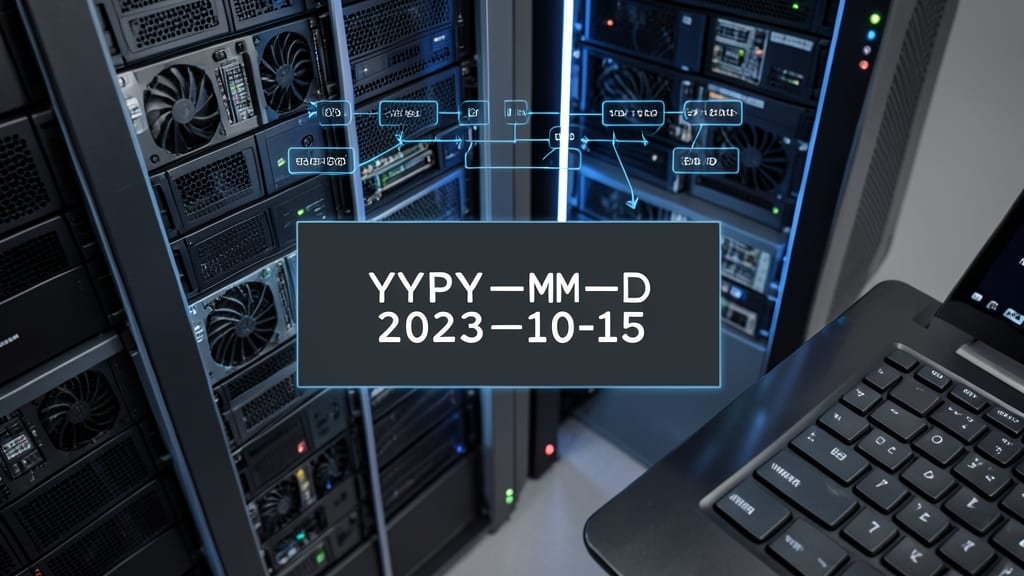
When your queries hinge on precise date comparisons, the SQL Date Format (YYYY-MM-DD) becomes your most reliable ally. Unlike human-readable formats, this structure is designed for database operations, ensuring lightning-fast sorting, indexing, and joins across tables.
Every major database system—from MySQL to PostgreSQL—natively supports this format, which also aligns perfectly with ISO 8601 for cross-system compatibility. The four-digit year eliminates ambiguity (no "03/04/05" debates), while the consistent length optimizes storage and parsing speed in queries.
Perfect for developers building data-driven applications, this format shines in analytics, reporting, and transactional systems where accuracy and performance matter most. ⚡
JavaScript Date Object (YYYY-MM-DDTHH:MM:SSZ)
When building web apps, you need a date format that plays nice with JavaScript’s native methods—and YYYY-MM-DDTHH:MM:SSZ is the answer. This isn’t just another ISO variant; it’s the direct output of JavaScript’s toISOString() method, ensuring seamless integration with APIs and JSON payloads.
The Z suffix denotes UTC (Zulu time), eliminating timezone headaches, while the T separator clearly divides date and time. It’s also the default for JSON serialization, making it the go-to for frontend-backend communication. No manual parsing needed—just consistent, machine-readable timestamps.
Frontend developers and API designers will love this format for its zero-config compatibility across browsers and servers. 💻
Excel Date Format (DD-MMM-YYYY)

Need a date format that’s instantly readable in spreadsheets but still plays nice with other tools? Excel’s DD-MMM-YYYY (like 21-Jun-2023) strikes that balance—using day-month-year order with abbreviated month names for clarity.
This format is widely supported in Excel functions like =DATEVALUE(), and its human-friendly structure makes it ideal for financial reports or project timelines. However, the day-first approach can confuse users in regions like the U.S., where MM/DD/YYYY is standard—so always clarify locale expectations when sharing files globally.
Perfect for accountants, analysts, or anyone working with Excel-heavy workflows who need a mix of readability and compatibility. ✨
Time Zone-Aware ISO 8601 (YYYY-MM-DDTHH:MM:SS±HH:MM)

When your app serves users across time zones, the last thing you need is confusion over whether "9 AM" means New York or Tokyo. The time zone-aware ISO 8601 format (YYYY-MM-DDTHH:MM:SS±HH:MM) solves this by embedding the offset directly—like 2023-10-15T14:30:00+02:00—eliminating guesswork.
This format extends the standard ISO 8601 by adding a ±HH:MM timezone offset (e.g., +05:30 for India or -08:00 for Pacific Time), ensuring consistency in distributed systems. It’s natively supported in Python’s datetime, JavaScript’s toISOString(), and databases like PostgreSQL, making it the go-to for APIs, logs, and collaboration tools.
Perfect for developers building global SaaS platforms or teams coordinating across continents, this format cuts down on timezone-related bugs and miscommunication. ✨
JSON Date Format (YYYY-MM-DDTHH:MM:SS.SSSZ)

When APIs need to deliver timestamps with millisecond precision, the JSON Date Format (YYYY-MM-DDTHH:MM:SS.SSSZ) becomes the go-to choice. Unlike other formats, it combines ISO 8601 compatibility with granular timing—critical for financial transactions, real-time analytics, and logging systems where every millisecond matters.
This format uses the structure "2023-06-21T14:30:45.123Z", where the "T" separates date/time, "SSS" adds milliseconds, and "Z" denotes UTC timezone. It’s natively supported by JavaScript’s JSON.stringify() and parsed correctly by most backend languages, ensuring seamless data exchange without manual conversions.
Perfect for developers building REST APIs or microservices, this format eliminates ambiguity while future-proofing your system for high-frequency operations. 💻
Custom Localized Formats (e.g., MM/DD/YYYY or DD/MM/YYYY)
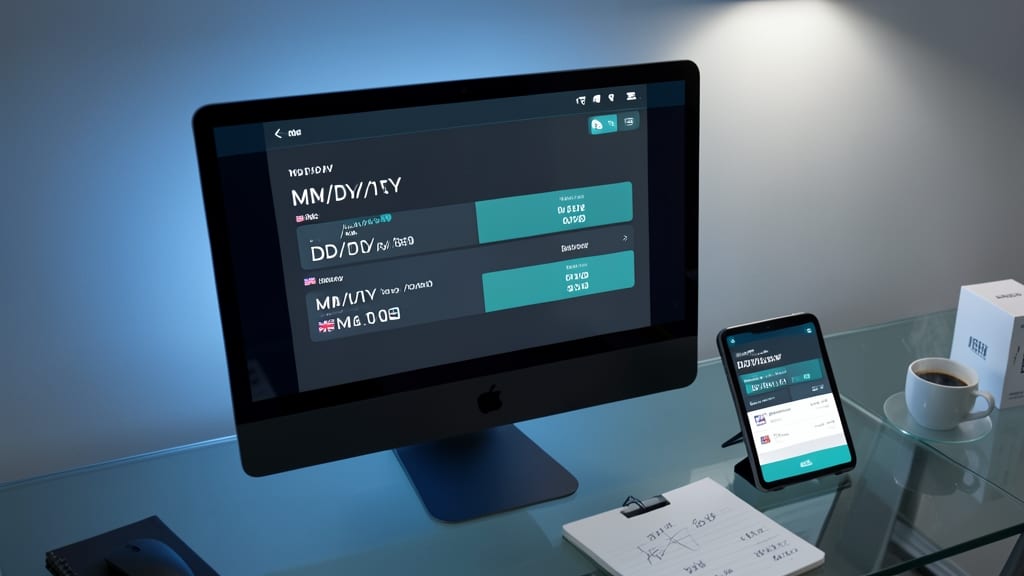
When your app needs to feel local—like a banking dashboard or a travel booking tool—custom date formats (e.g., MM/DD/YYYY or DD/MM/YYYY) bridge the gap between global standards and user expectations. These formats prioritize readability in specific regions but introduce parsing risks if not handled carefully.
Unlike standardized formats, they lack universal consistency: US users expect MM/DD/YYYY, while Europe defaults to DD/MM/YYYY. To mitigate errors, pair them with explicit context (e.g., dropdowns for "Month/Day" vs. "Day/Month") or validation layers (e.g., regex checks or libraries like Moment.js or date-fns). For example, a form field labeled "Birthdate" should reject 13/01/1990 as invalid—even if the format is DD/MM/YYYY.
Best suited for user-facing interfaces where localization trumps machine parsing, these formats shine in apps targeting specific regions. Just remember: never mix them without validation—or risk turning user frustration into a support nightmare. ✨